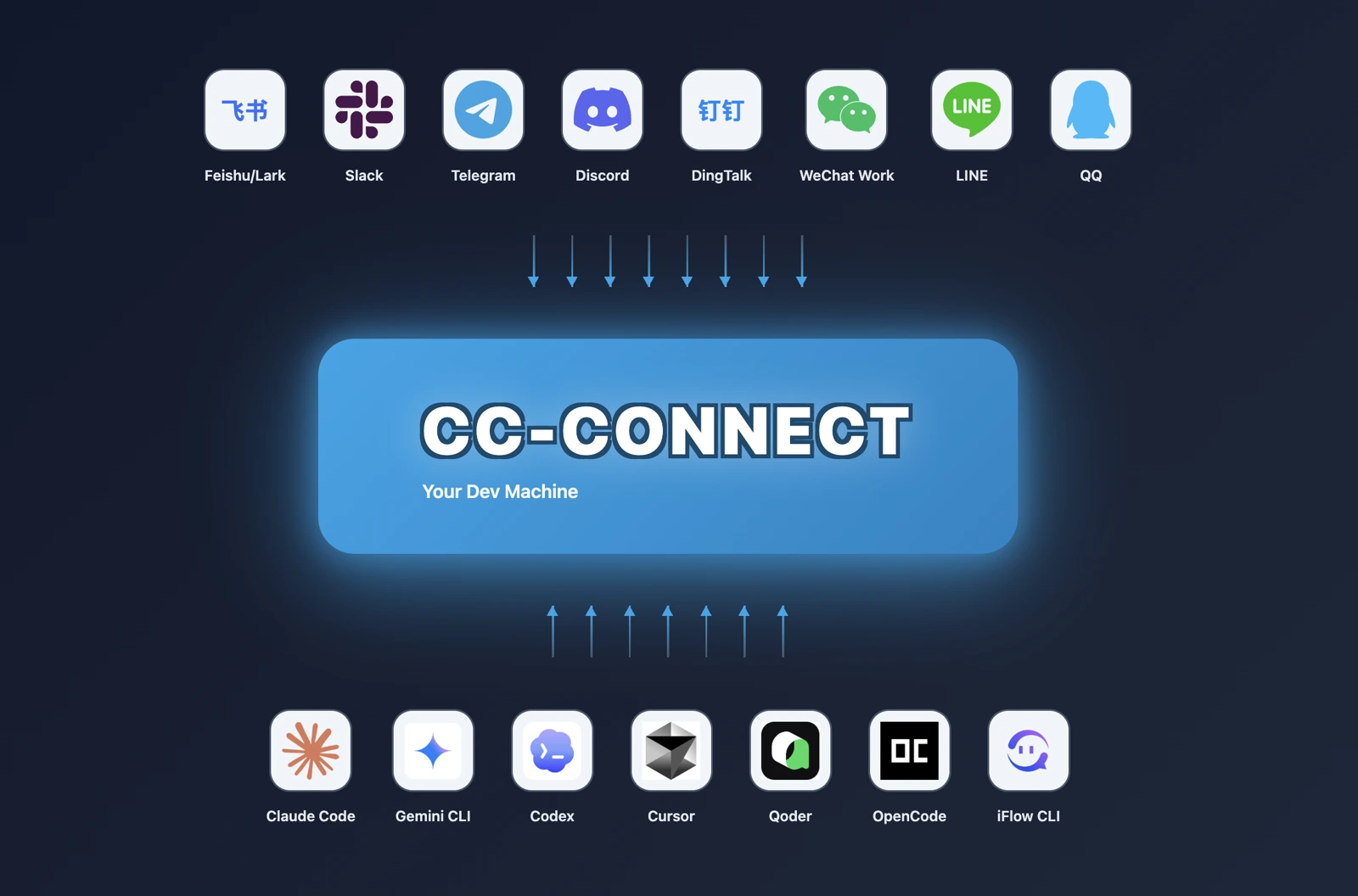
CC-Connect
Open-source bridge that lets you control local AI coding agents from Slack, Telegram, Discord, Feishu, WeChat, and other chat platforms.
Do not bounce yet
Read the fit check, compare one alternative, then decide whether the vendor page is still your best next click.
Quick Verdict
Fast fit check before you leave the page
Make the fit call first. Vendor pages are good at selling, but they rarely tell you where the product is a bad match.
- Developers already using Claude Code, Codex, Gemini CLI, Cursor Agent, or OpenCode who want remote chat control without remote-desktop nonsense
- Teams living in Slack, Feishu, Telegram, or Discord that want coding-agent work to happen inside existing communication channels
- Operators supervising long-running local coding sessions, scheduled automations, or multi-project agent setups
- You still have to configure both the local agent side and each target messaging platform, so setup is not truly frictionless.
- Remote chat control over powerful local agents raises obvious security and permission-management risks if you run permissive modes carelessly.
- The bridge does not improve model quality by itself; weak upstream agents remain weak, just more reachable.
Compare Next
Take one more internal step before the vendor pitch
This is where visitors usually jump out too early. Read one deeper take or open one alternative so the next click is informed instead of impulsive.
Related article
CC-Connect Review 2026: Remote Chat Control for Claude Code, Codex, Gemini CLI, and More
A practical CC-Connect review covering chat-platform control, supported coding agents, install paths, pricing reality, security tradeoffs, GitHub signal, and alternatives.
Alternative profile
Agent Deck
Open-source terminal session manager for running and supervising multiple AI coding agents across isolated git worktrees.
Alternative profile
Claude Squad
Open-source terminal app for managing multiple AI coding agents like Claude Code, Codex, OpenCode, and Aider across isolated workspaces.
Alternative profile
OpenHands
Source-available coding agent platform with a web GUI, CLI, and SDK for running autonomous software tasks locally or in the cloud.
CC-Connect matters because most local coding agents still assume you are glued to the keyboard that launched them. If your real workflow includes stepping away, supervising long tasks from your phone, or steering several agents through the chat tools your team already lives in, a bridge layer becomes much more useful than another model wrapper. CC-Connect takes that job seriously: it connects local agents like Claude Code, Codex, Cursor Agent, Gemini CLI, and OpenCode to chat platforms such as Feishu, Slack, Telegram, Discord, and WeChat, then layers in session control, permissions, scheduling, and a built-in admin UI.
CC-Connect is a local-first bridge for people who already use terminal or desktop coding agents but hate being chained to one machine. It connects tools such as Claude Code, Codex, Cursor Agent, Gemini CLI, OpenCode, and other ACP-capable agents to chat platforms like Feishu, Slack, Telegram, Discord, LINE, and WeChat, then adds session switching, permission controls, scheduling, and a built-in web admin UI. That makes it more than a novelty relay bot: it is an operator layer for remote supervision and lightweight control of real agent workflows, though the security model still deserves adult attention because you are exposing powerful local agents through messaging surfaces.
Why Choose CC-Connect?
Choose CC-Connect if the real friction in your agent workflow is not model quality but physical access to the machine running the agent.
Its support for multiple upstream agents, chat platforms, and ACP makes it more defensible than the endless pile of single-platform relay hacks.
The local-first architecture and no-public-IP options matter because most sane people do not want to punch random holes in their network just to reply to a coding session from a phone.
The big caveat is security discipline: giving a chat surface access to a powerful local agent is useful, but it also gets stupid fast if you treat permission modes casually.
Key Features
Bridge 10+ local coding agents, including Claude Code, Codex, Cursor Agent, Gemini CLI, OpenCode, and ACP-compatible tools, into one chat-native control layer.
Support 12 chat platforms such as Feishu, Slack, Telegram, Discord, LINE, WeChat Work, and personal Weixin instead of forcing remote-desktop hacks.
Control sessions, models, reasoning modes, permission modes, and working directories directly from chat commands.
Expose a built-in web admin UI for project, provider, session, cron, and hook management without editing config files by hand.
Handle multi-agent orchestration, persistent sessions, scheduling, and lifecycle hooks so the bridge can support real long-running workflows.
Avoid public-IP requirements on many platforms by leaning on WebSocket, Socket Mode, or long-polling transport options.
Pros & Cons
- CC-Connect solves a real workflow problem: local coding agents are much less useful when they stop being reachable the moment you leave your desk.
- The breadth of upstream agent support plus ACP compatibility makes it more durable than a one-vendor relay hack.
- Chat-native control inside Slack, Feishu, Telegram, or Discord is often operationally simpler than teaching a team yet another bespoke dashboard.
- The built-in admin UI, scheduling, and hook system show more product depth than a weekend bot wrapper.
- You still have to configure both the local agent side and each target messaging platform, so setup is not truly frictionless.
- Remote chat control over powerful local agents raises obvious security and permission-management risks if you run permissive modes carelessly.
- The bridge does not improve model quality by itself; weak upstream agents remain weak, just more reachable.
- Public GitHub and X traction are strong, but Hacker News discussion is still relatively light compared with the headline star count.
Detailed Use Cases for CC-Connect
Use CC-Connect when Claude Code, Codex, or Gemini CLI is doing real work on your machine and you need to monitor, steer, or unblock it from your phone instead of running back to the desk.
CC-Connect fits teams that already coordinate in Slack, Feishu, Telegram, or Discord and would rather keep lightweight agent control there than invent another separate operator UI for everyone to ignore.
Because the tool exposes permission modes, session switching, model selection, and directory control through chat, it is more useful than a simple message relay when you need actual operational control.
The web admin UI, scheduling, and hooks make CC-Connect relevant for builders running several local agent projects at once and wanting one remote control plane instead of ad hoc scripts.
Who Should Use CC-Connect?
Developers already using Claude Code, Codex, Gemini CLI, Cursor Agent, or OpenCode who want remote chat control without remote-desktop nonsense
Teams living in Slack, Feishu, Telegram, or Discord that want coding-agent work to happen inside existing communication channels
Operators supervising long-running local coding sessions, scheduled automations, or multi-project agent setups
Builders comparing chat-native control layers against browser-terminal access tools like VibeTunnel
Perfect For
Supervising Claude Code, Codex, Gemini CLI, or OpenCode sessions from a phone while away from the primary machine.
Letting teams steer local coding agents from the chat tools they already use instead of falling back to remote desktop or SSH-heavy workflows.
Managing multi-project local agent setups with chat commands, scheduled tasks, and provider switching from one control surface.
Adding lightweight human-in-the-loop review and permission control to long-running remote coding sessions.
Technical Details
CC-Connect Comparisons & Alternatives
CC-Connect review
CC-Connect vs VibeTunnel
remote control Claude Code from Slack
chat control for Codex and Gemini CLI
Slack Telegram Feishu bridge for AI coding agents
local coding agent remote access
Developers compare CC-Connect with other vibe coding tools when they need a better workflow fit, not just a better landing page.
Direct Competitors
VibeTunnel
Agent Deck
Claude Squad
OpenHands
Similar Tools You Might Like
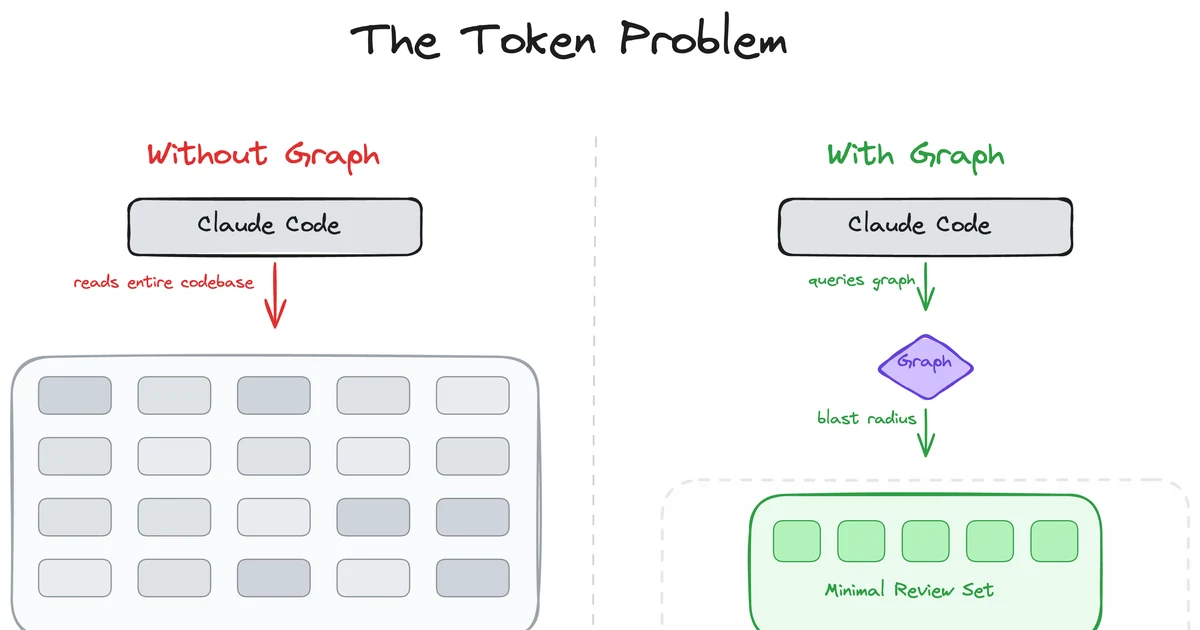
MIT-licensed local code-intelligence graph that gives Claude Code, Codex, Cursor, Copilot, and other MCP clients targeted review context.
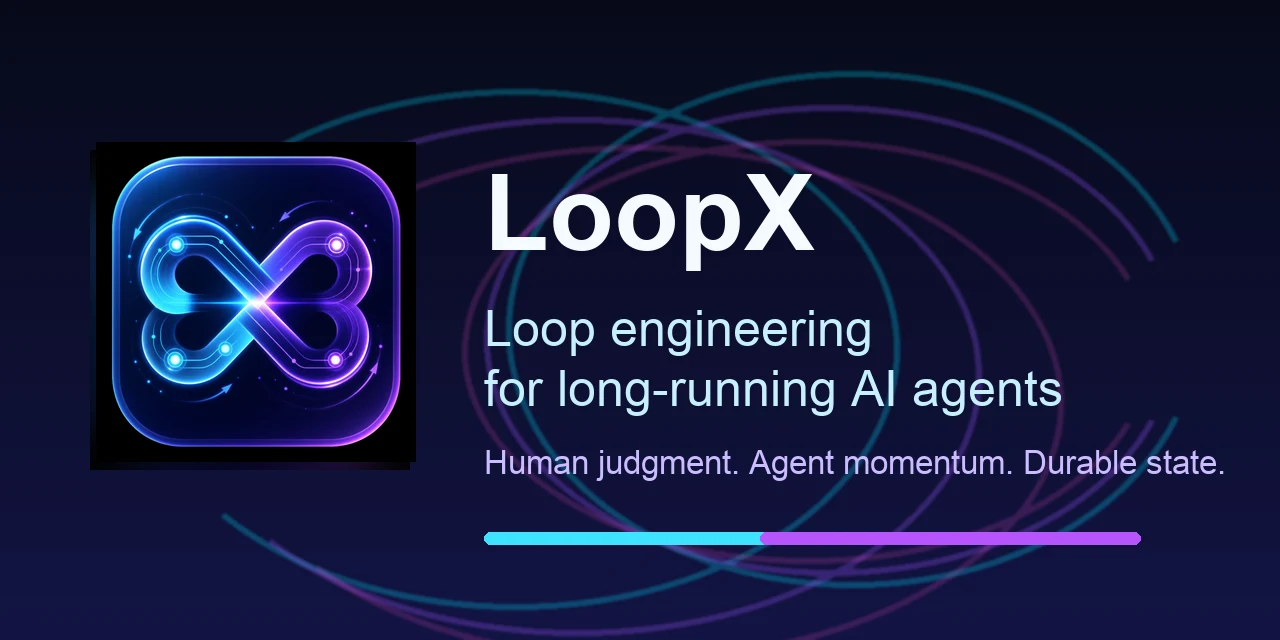
MIT-licensed loop-engineering state kernel and local control plane for keeping Codex, Claude Code, Cursor, and peer agent teams on long-running goals.
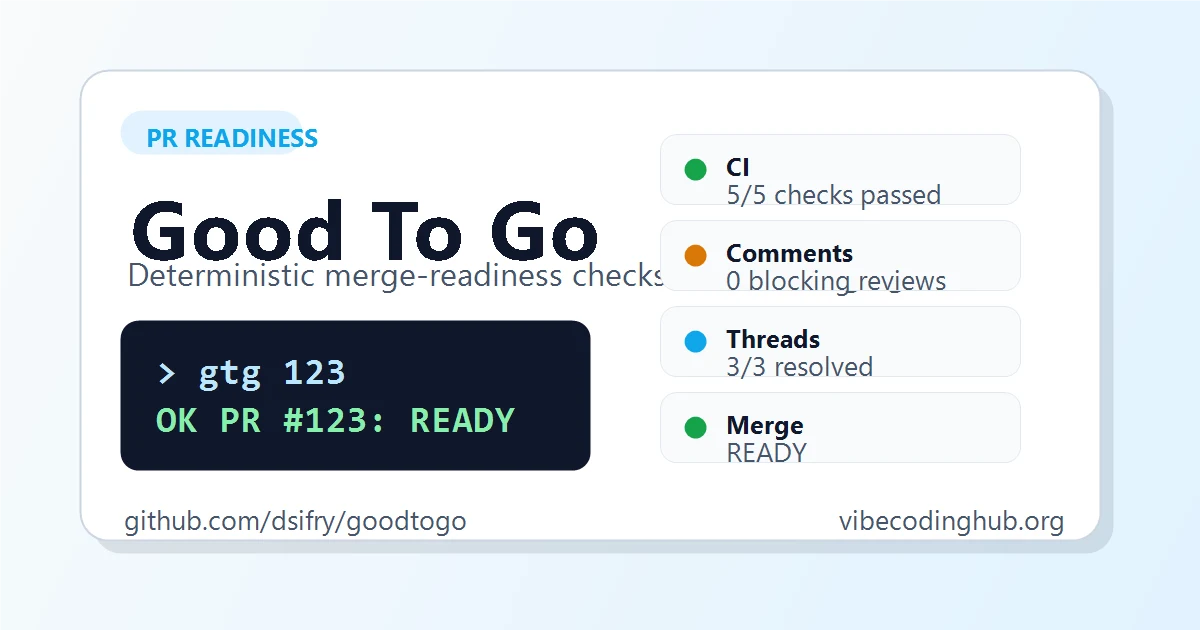
MIT-licensed CLI that gives AI coding agents a deterministic answer on whether a GitHub pull request is ready to merge.
Alternative Tools to Consider

Open-source terminal session manager for running and supervising multiple AI coding agents across isolated git worktrees.

Open-source terminal app for managing multiple AI coding agents like Claude Code, Codex, OpenCode, and Aider across isolated workspaces.

Source-available coding agent platform with a web GUI, CLI, and SDK for running autonomous software tasks locally or in the cloud.

Open terminal sessions in a browser and monitor command-line coding agents from another device.
Do one more comparison before you commit to CC-Connect
Strong picks usually survive one more internal check. Read deeper, compare a neighbor, then leave for the vendor page if the fit still holds.