Grok Build
SpaceXAI's Apache-2.0 terminal coding agent with a full-screen TUI, headless automation, ACP integration, and extensible agent workflows.
Do not bounce yet
Read the fit check, compare one alternative, then decide whether the vendor page is still your best next click.
Quick Verdict
Fast fit check before you leave the page
Make the fit call first. Vendor pages are good at selling, but they rarely tell you where the product is a bad match.
- Developers comparing Grok Build with Claude Code, OpenAI Codex, Gemini CLI, OpenCode, Aider, and other terminal coding agents
- Teams that need the same coding-agent runtime in an interactive TUI, headless CI workflow, and ACP-compatible editor integration
- Platform engineers standardizing MCP servers, project rules, skills, plugins, hooks, subagents, custom models, and enterprise authentication
- The public repository is a very new periodic mirror of a private monorepo with only a small public commit history, so governance and community development practices are not yet proven.
- Sandboxing is off by default; documented kernel enforcement covers Linux and macOS rather than Windows, and built-in HTTP tools are not blocked by child-process network restrictions.
- Hosted model access can require a qualifying Grok subscription or paid xAI API usage, while third-party and local models have their own cost and setup tradeoffs.
Compare Next
Take one more internal step before the vendor pitch
This is where visitors usually jump out too early. Read one deeper take or open one alternative so the next click is informed instead of impulsive.
Alternative profile
Claude Code Router
MIT-licensed local gateway and desktop control plane for routing Claude Code, Codex, Grok CLI, and compatible agents across model providers.
Alternative profile
Agent of Empires
Open-source terminal and web session manager for running multiple AI coding agents across isolated git worktrees and sandboxes.
Alternative profile
Aider
Open-source terminal coding agent with git-native edits, repo mapping, and broad model support
Grok Build is SpaceXAI's open-source terminal coding agent and Rust harness. It competes directly with Claude Code, Codex, Gemini CLI, OpenCode, and Aider, but its scope is broader than a chat loop: the same runtime supports a full-screen TUI, headless automation, ACP embedding, custom models, MCP servers, skills, plugins, hooks, subagents, session persistence, and optional memory. That breadth is compelling, but the tool is new and its security defaults and July 2026 data-handling controversy—including a whole-repository upload that an independent researcher says xAI later disabled server-side—deserve more scrutiny than the launch hype.
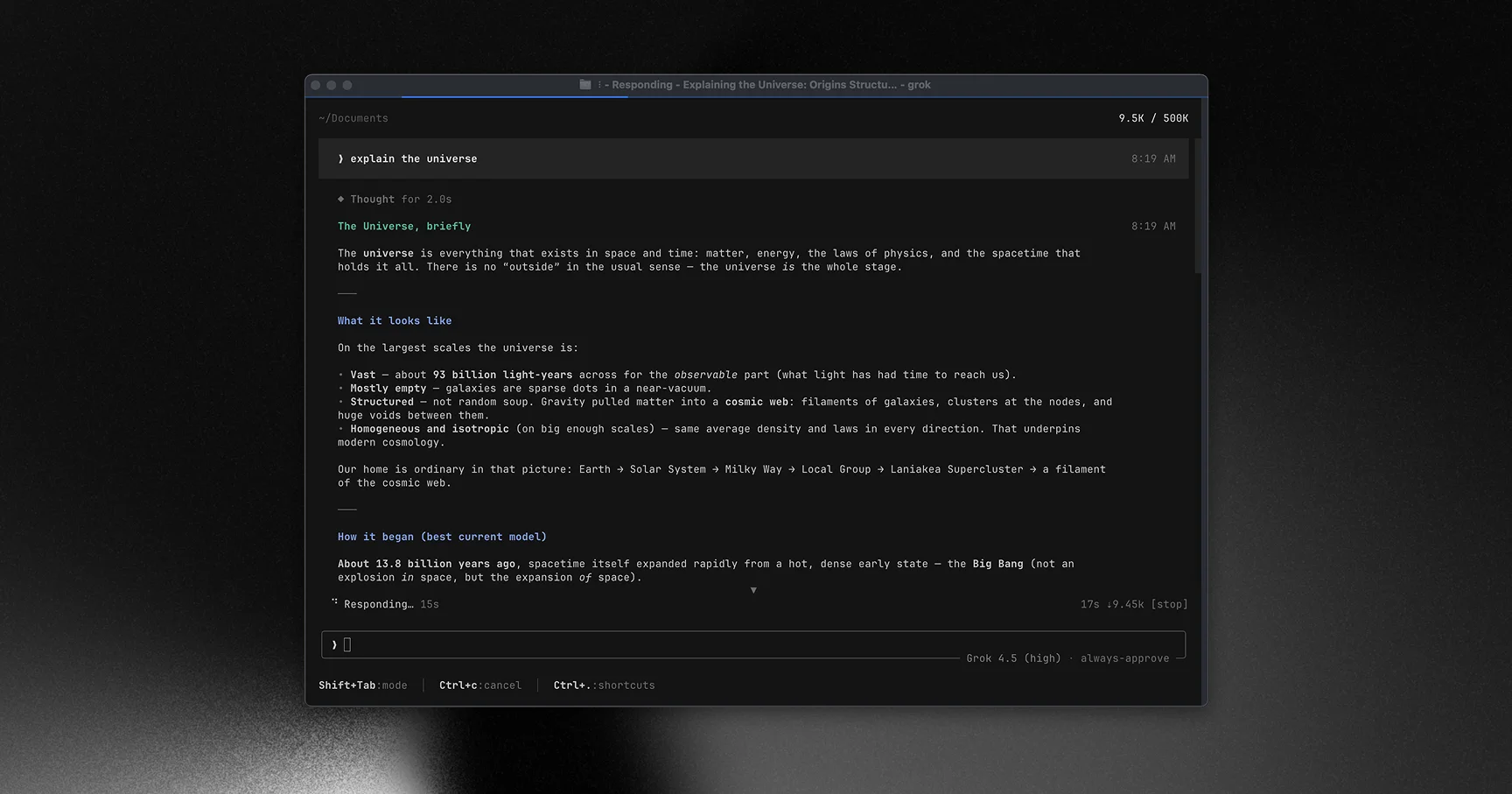
Grok Build is SpaceXAI's terminal-based coding agent and open-source Rust harness. It can inspect and edit a codebase, execute shell commands, search the web, and manage long-running work through an interactive full-screen TUI, headless commands for scripts and CI, or Agent Client Protocol integration with editors and other apps. Its configuration supports project rules, MCP servers, skills, plugins, hooks, subagents, custom models, session persistence, optional memory, and OS-level sandbox profiles, making it a substantial agent-coding platform rather than a thin model wrapper.
Why Choose Grok Build?
Choose Grok Build when you want one agent runtime for interactive terminal coding, CI automation, and ACP-based editor or application integration.
Its Apache-2.0 Rust source, custom-model support, MCP ecosystem, and compatibility with Claude Code project configuration make it more extensible than a closed single-provider CLI.
The strongest operational features are session persistence, rewind data, headless output, tool allowlists, enterprise authentication, and optional OS-level sandbox profiles.
Do not choose it on star growth alone. The public mirror is new, sandboxing is off by default, Windows lacks the documented kernel enforcement available on Linux and macOS, and the reported server-side upload disable does not remove the need to verify what current builds transmit.
Key Features
Runs as a full-screen, mouse-aware terminal UI that can inspect a repository, edit files, execute commands, search the web, and track long-running tasks.
Provides headless prompts and structured output for scripts and CI, plus Agent Client Protocol stdio mode for editor and application integrations.
Loads AGENTS.md and Claude Code-compatible project rules, skills, agents, plugins, hooks, MCP servers, permissions, and related configuration.
Supports xAI authentication, API keys, enterprise OIDC and external auth helpers, and custom model endpoints including OpenAI-compatible services and Ollama.
Persists sessions, chat history, task state, rewind points, usage signals, and optional searchable cross-session memory on the local machine.
Offers built-in workspace, read-only, and strict sandbox profiles using Landlock on supported Linux kernels and Seatbelt on macOS, with configurable filesystem and child-process network restrictions.
Pros & Cons
- Combines interactive terminal use, automation, and ACP embedding in one official agent runtime instead of limiting users to a single UI.
- Apache-2.0 source and detailed operational documentation make the harness inspectable and extensible.
- Broad compatibility with MCP, skills, plugins, hooks, custom agents, local models, and Claude Code configuration reduces migration friction.
- Session persistence, rewind data, headless output, sandbox profiles, and enterprise authentication address real production workflow needs.
- The public repository is a very new periodic mirror of a private monorepo with only a small public commit history, so governance and community development practices are not yet proven.
- Sandboxing is off by default; documented kernel enforcement covers Linux and macOS rather than Windows, and built-in HTTP tools are not blocked by child-process network restrictions.
- Hosted model access can require a qualifying Grok subscription or paid xAI API usage, while third-party and local models have their own cost and setup tradeoffs.
- A reproducible third-party analysis found that version 0.2.93 uploaded whole repositories and session data containing read secrets; the researcher later reported that xAI disabled whole-repository upload server-side, but security-sensitive teams should still verify current behavior independently.
Detailed Use Cases for Grok Build
Use the full-screen TUI for repository exploration, file edits, shell commands, web research, task tracking, and resumable coding sessions.
Run headless prompts with structured output, named sessions, and restricted tool sets for repeatable review, explanation, or implementation jobs.
Start Grok Build in stdio agent mode so an ACP-compatible editor or custom application can create, resume, and observe coding sessions.
Load MCP servers, AGENTS.md rules, Claude Code configuration, skills, plugins, hooks, custom agents, and local or third-party models instead of rebuilding the workflow from scratch.
Who Should Use Grok Build?
Developers comparing Grok Build with Claude Code, OpenAI Codex, Gemini CLI, OpenCode, Aider, and other terminal coding agents
Teams that need the same coding-agent runtime in an interactive TUI, headless CI workflow, and ACP-compatible editor integration
Platform engineers standardizing MCP servers, project rules, skills, plugins, hooks, subagents, custom models, and enterprise authentication
Security-conscious teams willing to test current network behavior and sandbox limits before exposing sensitive repositories
Perfect For
Use a full-screen terminal agent for repository exploration, multi-file implementation, command execution, and iterative debugging.
Run repeatable coding or review prompts in scripts and CI with headless output and explicit tool restrictions.
Embed Grok Build in an editor or custom developer tool through Agent Client Protocol stdio mode.
Reuse existing Claude Code skills, project instructions, plugins, agents, hooks, and MCP configuration while evaluating another coding-agent runtime.
Technical Details
Direct Competitors
Claude Code
OpenAI Codex
Gemini CLI
OpenCode
Aider
Pi
Similar Tools You Might Like
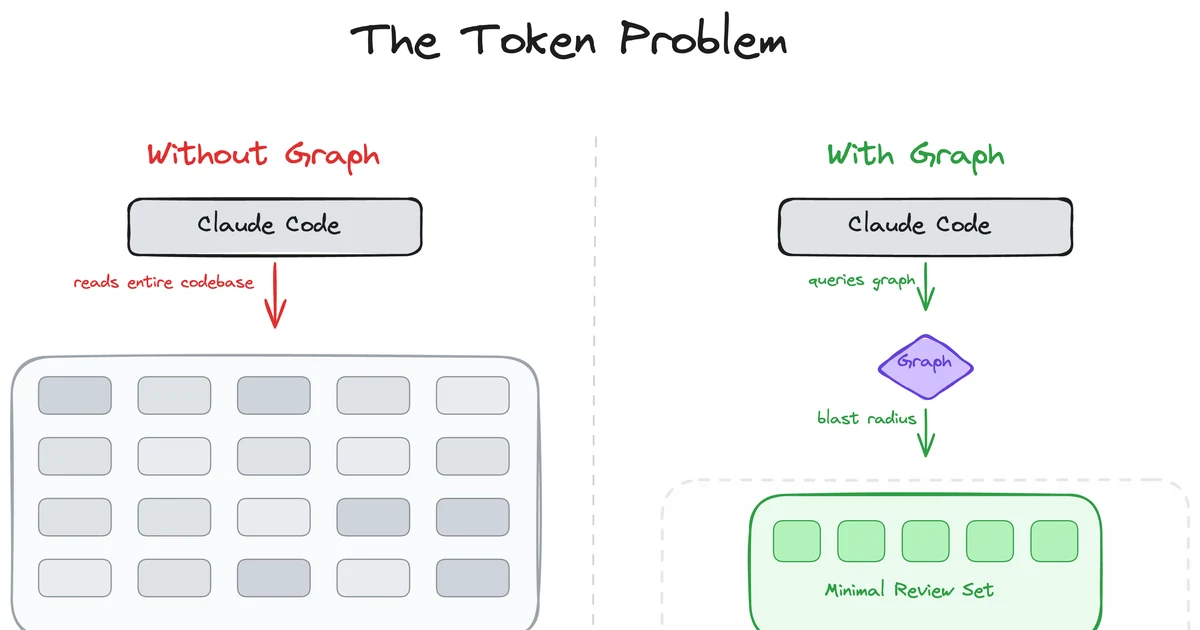
MIT-licensed local code-intelligence graph that gives Claude Code, Codex, Cursor, Copilot, and other MCP clients targeted review context.

Community Codex CLI fork that adds Auto Drive orchestration, background Auto Review, browser/CDP integration, theming, and multi-agent commands.
MIT-licensed loop-engineering state kernel and local control plane for keeping Codex, Claude Code, Cursor, and peer agent teams on long-running goals.
Alternative Tools to Consider
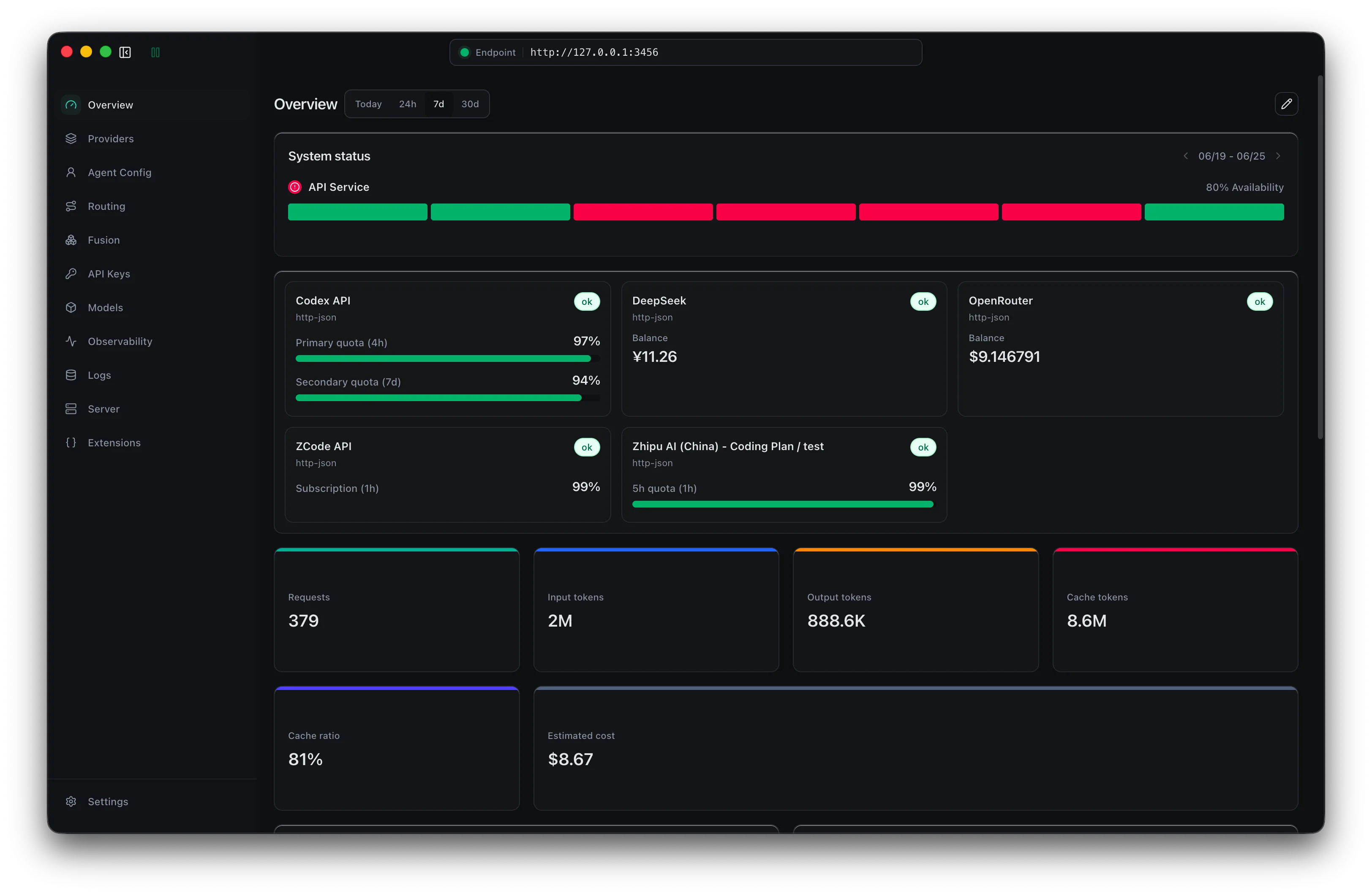
MIT-licensed local gateway and desktop control plane for routing Claude Code, Codex, Grok CLI, and compatible agents across model providers.

Open-source terminal and web session manager for running multiple AI coding agents across isolated git worktrees and sandboxes.

Open-source terminal coding agent with git-native edits, repo mapping, and broad model support
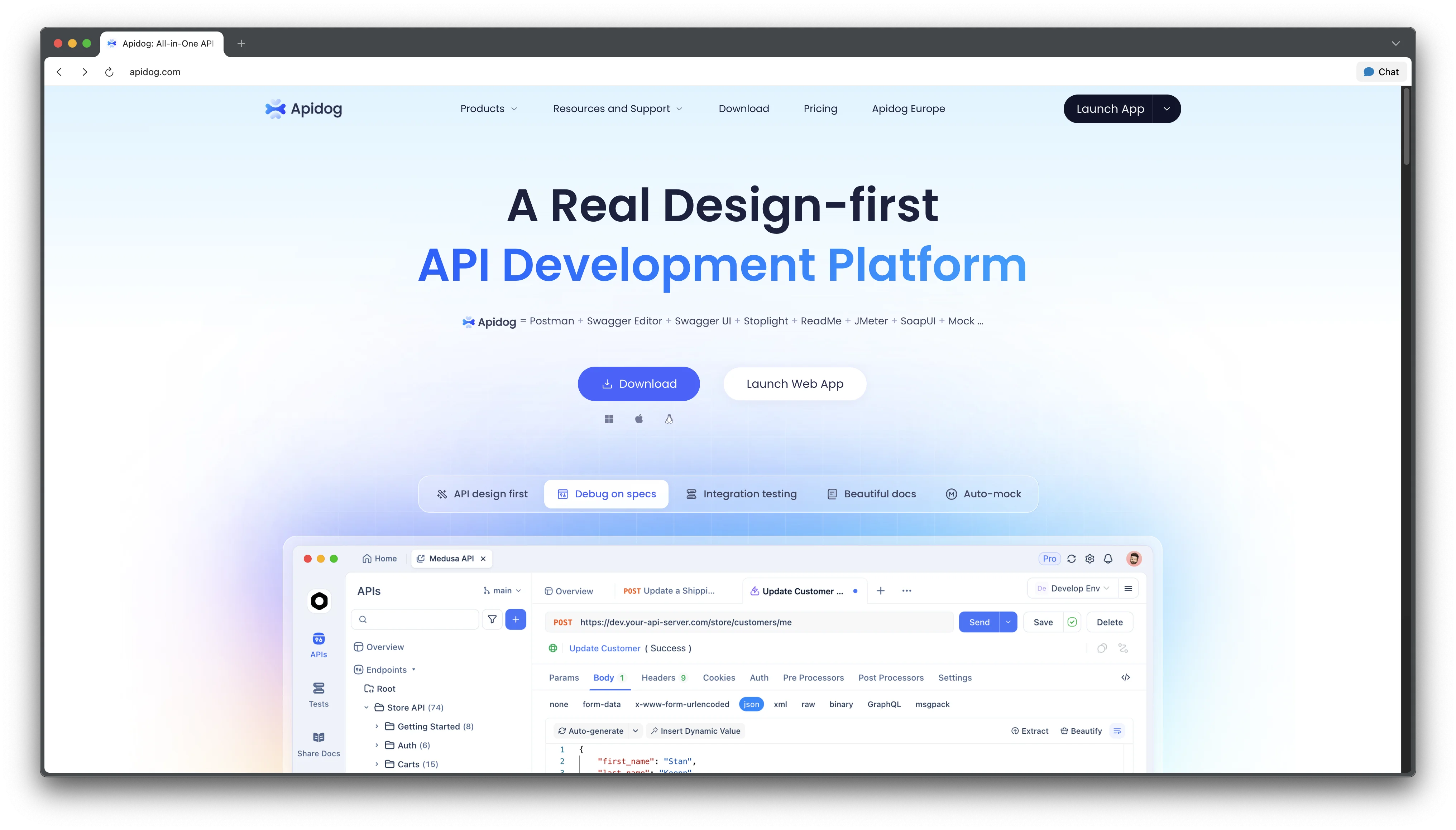
Let AI assistants read your API docs directly for instant code and test generation
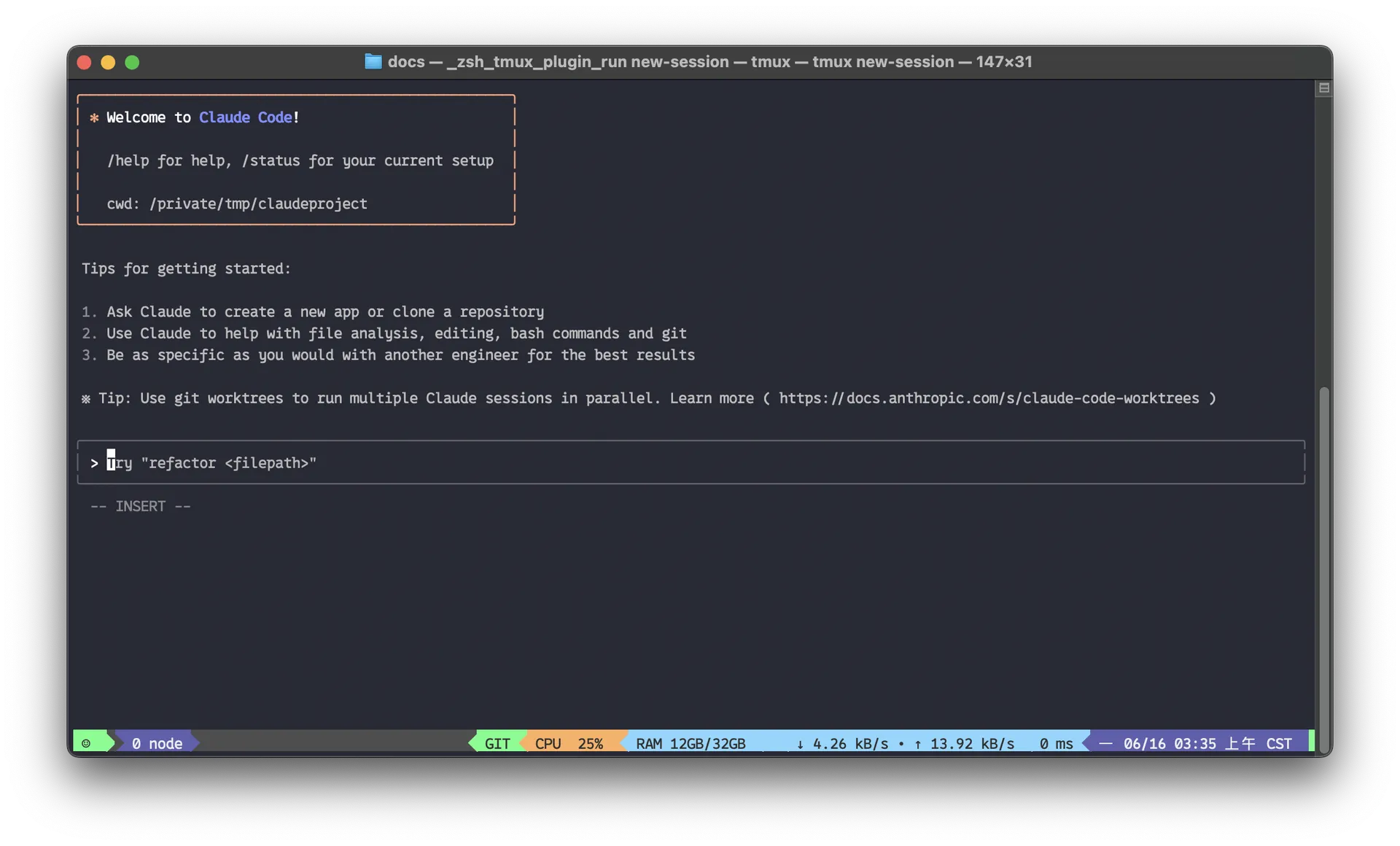
Agentic AI coding assistant that lives in your terminal, understands your entire codebase and automates routine tasks

Beautiful chat interface for Claude Code right inside VS Code, no terminal required
Do one more comparison before you commit to Grok Build
Strong picks usually survive one more internal check. Read deeper, compare a neighbor, then leave for the vendor page if the fit still holds.