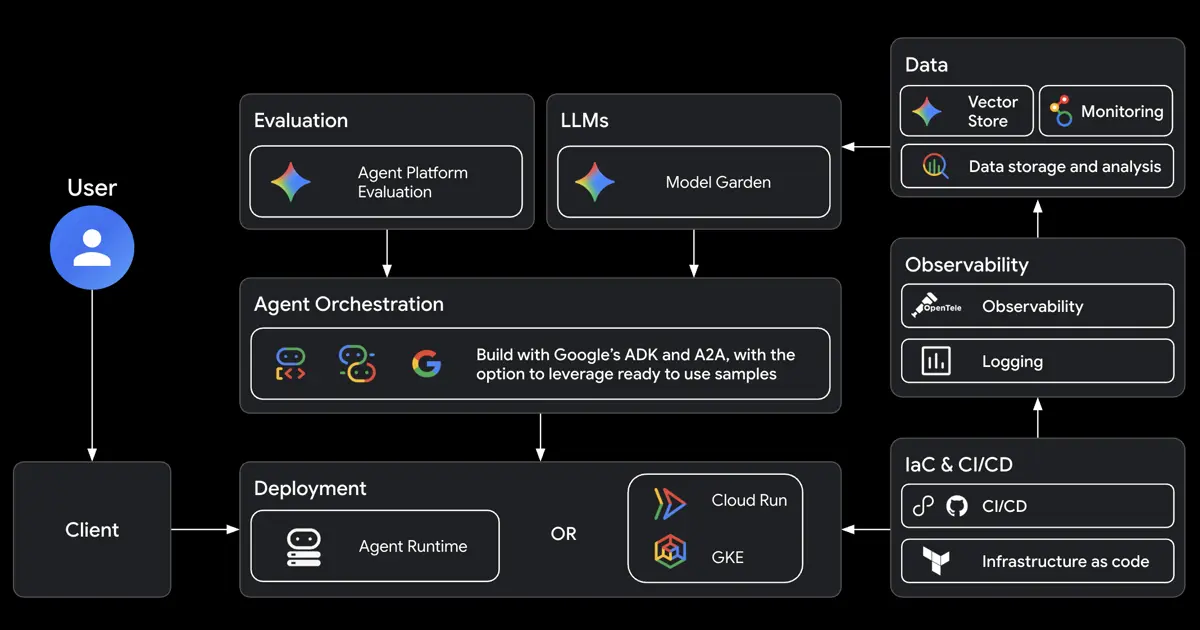
Google Agents CLI
Google open-source CLI and skill bundle that teaches Claude Code, Codex, Antigravity, and other coding agents to build, evaluate, deploy, and publish ADK agents on Google Cloud.
Do not bounce yet
Read the fit check, compare one alternative, then decide whether the vendor page is still your best next click.
Quick Verdict
Fast fit check before you leave the page
Make the fit call first. Vendor pages are good at selling, but they rarely tell you where the product is a bad match.
- Developers using Claude Code, Codex, Antigravity, or Gemini-style agents to build AI agents rather than ordinary web apps
- Teams standardizing ADK project scaffolding, evaluation, deployment, and publishing workflows on Google Cloud
- AI platform engineers who want agent-generated changes to include eval and observability steps
- The value is tightly scoped to ADK and Google Cloud agent delivery; teams outside that ecosystem will get less from it than from a general coding-agent orchestrator.
- Cloud deployment, Gemini Enterprise publishing, and observability features can create Google Cloud setup work, permissions friction, and usage costs.
- It is still young despite the GA label, with public source only since mid-2026 and limited independent long-term production evidence.
Compare Next
Take one more internal step before the vendor pitch
This is where visitors usually jump out too early. Read one deeper take or open one alternative so the next click is informed instead of impulsive.
Alternative profile
Agents Marketplace
Open-source multi-harness plugin marketplace for shipping agents, skills, commands, and workflows across Claude Code, Codex CLI, Cursor, OpenCode, Gemini CLI, and Copilot.
Alternative profile
Planning with Files
Open-source persistent planning skill and plugin for coding agents that keeps task plans, findings, and progress on disk so work survives /clear, compaction, and crashes.
Alternative profile
Omnigent
Open-source meta-harness for running, governing, sharing, and switching between coding agents like Claude Code, Codex, Cursor, OpenCode, Hermes, and Pi.
Google Agents CLI is for developers who want their existing coding agent to build production AI agents on Google Cloud without manually stitching together ADK, evals, deployment, publishing, and observability. It is a CLI plus skill bundle, not another chat agent. The useful part is that Claude Code, Codex, Antigravity, or another assistant can read the bundled skills and operate the agent-development lifecycle with more structure.
Google Agents CLI is not a replacement coding agent; it is a Google Cloud agent-development layer for the coding agents developers already use. The project ships a Python CLI plus installable skills that let Claude Code, Codex, Antigravity, Gemini-style agents, and other local assistants scaffold ADK projects, preserve code correctly, generate and grade eval traces, deploy to Agent Runtime, Cloud Run, or GKE, publish into Gemini Enterprise, and wire in observability. That makes it relevant to vibe-coding teams building production AI agents, because it turns agent creation, evaluation, deployment, and cloud governance into a workflow a coding agent can actually operate instead of a pile of separate Google Cloud docs.
Why Choose Google Agents CLI?
Choose Google Agents CLI when your team is already building ADK or Gemini Enterprise Agent Platform agents and wants coding agents to handle the surrounding lifecycle more reliably.
The bundled skills matter because they turn scaffold, code patterns, evals, deploy, publish, and observability into repeatable agent-readable workflows instead of one-off prompt instructions.
The evaluation commands make it more serious than a template generator: teams can generate traces, grade outputs, compare runs, analyze failure modes, and tune prompts.
The main reason to be cautious is ecosystem fit. It is strongest for Google Cloud agent projects, not for generic software delivery or non-Google deployment stacks.
Key Features
Installs a Python CLI and seven coding-agent skills covering workflow discipline, ADK code patterns, scaffolding, evaluation, deployment, Gemini Enterprise publishing, and observability.
Works as a tool layer for Antigravity CLI, Claude Code, Codex, and other coding agents instead of trying to replace the user's preferred agent harness.
Scaffolds and upgrades ADK agent projects, then preserves existing code while adding deployment, CI/CD, RAG sample guidance, or cloud runtime support.
Provides an evaluation workflow for generating traces, grading them with metrics or LLM-as-judge rubrics, comparing runs, analyzing failures, and optimizing prompts.
Deploys agents to Google Cloud targets such as Agent Runtime, Cloud Run, and GKE, with infrastructure and CI/CD guidance for production environments.
Publishes eligible deployments into Gemini Enterprise and connects operational signals through Cloud Trace, logging, and third-party observability paths.
Pros & Cons
- It solves a concrete handoff problem: coding agents can now operate the Google agent-development lifecycle with structured skills instead of guessing through scattered docs.
- The tool is officially maintained by Google, Apache-2.0 licensed, and already at a 1.0 GA release with visible release-note depth.
- Evaluation and observability are treated as first-class workflow steps, which is more serious than a scaffold-only agent template generator.
- Because it works with Claude Code, Codex, Antigravity, and other agents, teams can keep their preferred coding harness while standardizing cloud-agent delivery.
- The value is tightly scoped to ADK and Google Cloud agent delivery; teams outside that ecosystem will get less from it than from a general coding-agent orchestrator.
- Cloud deployment, Gemini Enterprise publishing, and observability features can create Google Cloud setup work, permissions friction, and usage costs.
- It is still young despite the GA label, with public source only since mid-2026 and limited independent long-term production evidence.
- Skill injection does not remove the need to review generated infrastructure, eval rubrics, deployment specs, or agent behavior before trusting production changes.
Detailed Use Cases for Google Agents CLI
Use Google Agents CLI when Claude Code, Codex, Antigravity, or another assistant should create or upgrade an ADK agent project with the right files, dependencies, and lifecycle guidance.
The eval commands help generate traces, grade them against datasets and rubrics, compare results, analyze failures, and optimize prompts before a deployment is treated as ready.
The deploy and publish commands fit teams moving agents to Agent Runtime, Cloud Run, GKE, or Gemini Enterprise while keeping those steps visible to the coding-agent workflow.
Use the observability skill when an agent project should include Cloud Trace, logging, and operational debugging guidance instead of stopping after code generation.
Who Should Use Google Agents CLI?
Developers using Claude Code, Codex, Antigravity, or Gemini-style agents to build AI agents rather than ordinary web apps
Teams standardizing ADK project scaffolding, evaluation, deployment, and publishing workflows on Google Cloud
AI platform engineers who want agent-generated changes to include eval and observability steps
Builders comparing Google ADK tooling with broader agent workflow layers and coding-agent skill marketplaces
Perfect For
Teaching Claude Code, Codex, Antigravity, or another local coding agent how to build ADK agents with the right project structure and lifecycle rules.
Adding evaluation datasets, trace generation, grading, failure analysis, and prompt optimization to an AI-agent development workflow.
Deploying agent projects to Agent Runtime, Cloud Run, or GKE while keeping infrastructure and CI/CD steps inside a reviewable agent-assisted loop.
Publishing production-ready agents into Gemini Enterprise after local development and evaluation.
Technical Details
Google Agents CLI Comparisons & Alternatives
Google Agents CLI review
google agents-cli review
Agents CLI in Agent Platform
Google Agents CLI vs ADK
ADK skills for Claude Code
Google Agents CLI Codex
Gemini Enterprise Agent Platform CLI
Developers compare Google Agents CLI with other vibe coding tools when they need a better workflow fit, not just a better landing page.
Direct Competitors
Google ADK
Open Design
Omnigent
Agents Marketplace
Planning with Files
Similar Tools You Might Like
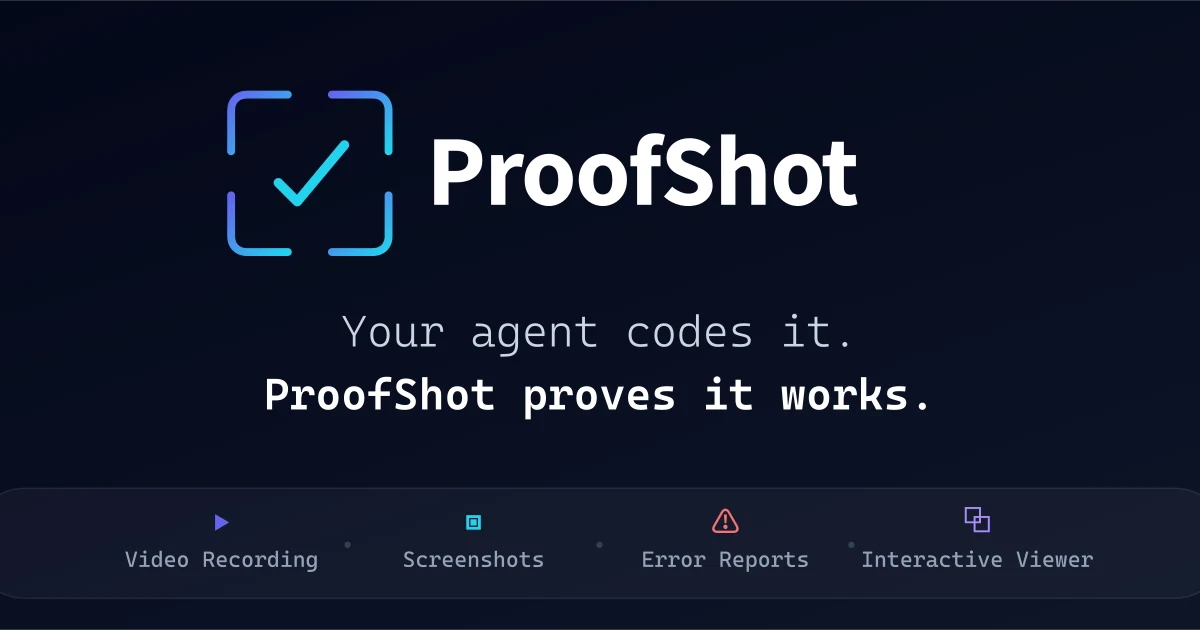
Open-source CLI that gives AI coding agents visual verification through browser recordings, screenshots, logs, and PR-ready proof artifacts.

Rust CLI for running supervised multi-agent coding teams in tmux with YAML-defined roles, isolated git worktrees, and test-gated completion.

Official open-source MCP server and CLI that lets coding agents control, inspect, and debug a live Chrome browser with real DevTools context.
Alternative Tools to Consider
Open-source multi-harness plugin marketplace for shipping agents, skills, commands, and workflows across Claude Code, Codex CLI, Cursor, OpenCode, Gemini CLI, and Copilot.
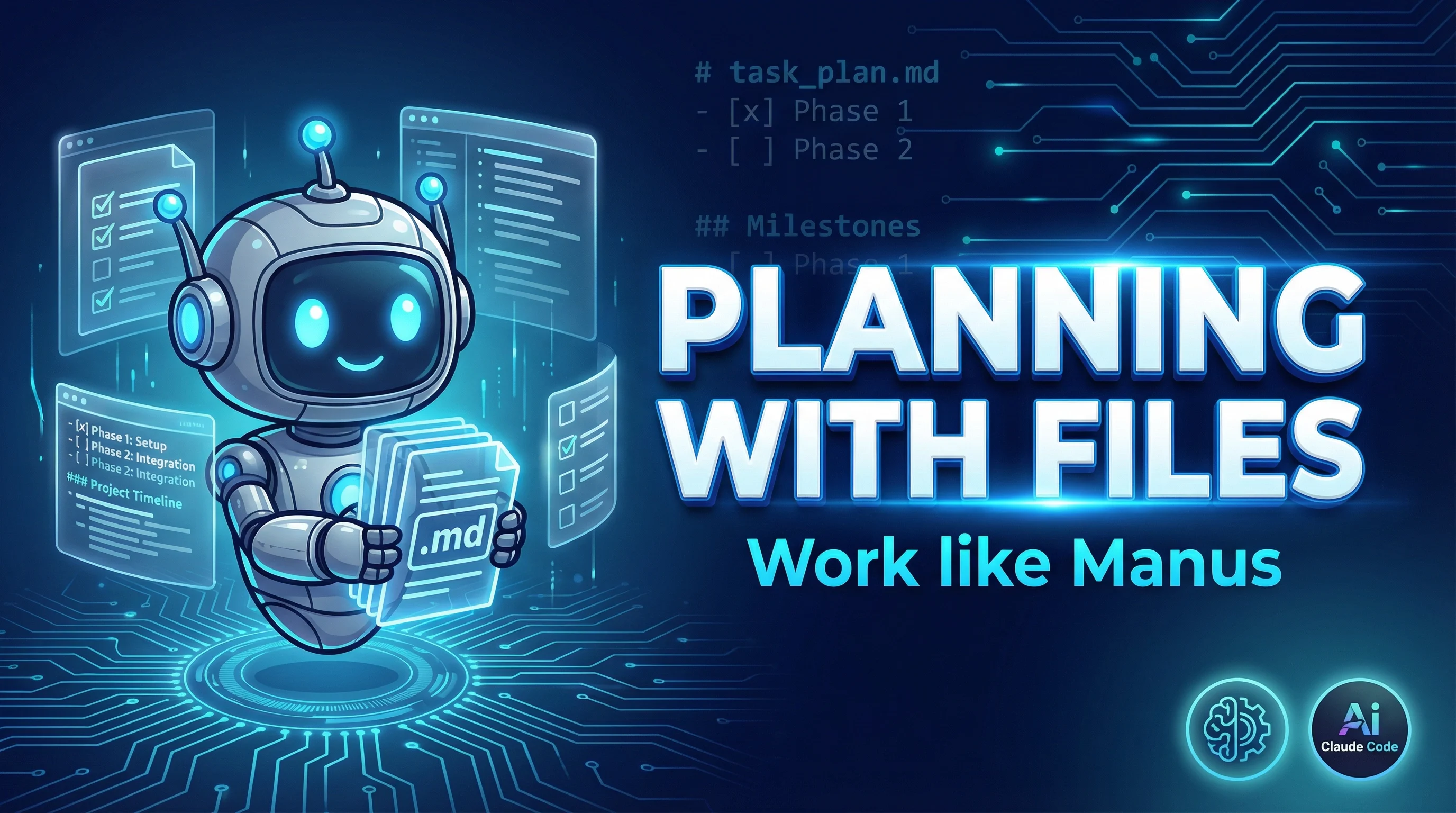
Open-source persistent planning skill and plugin for coding agents that keeps task plans, findings, and progress on disk so work survives /clear, compaction, and crashes.
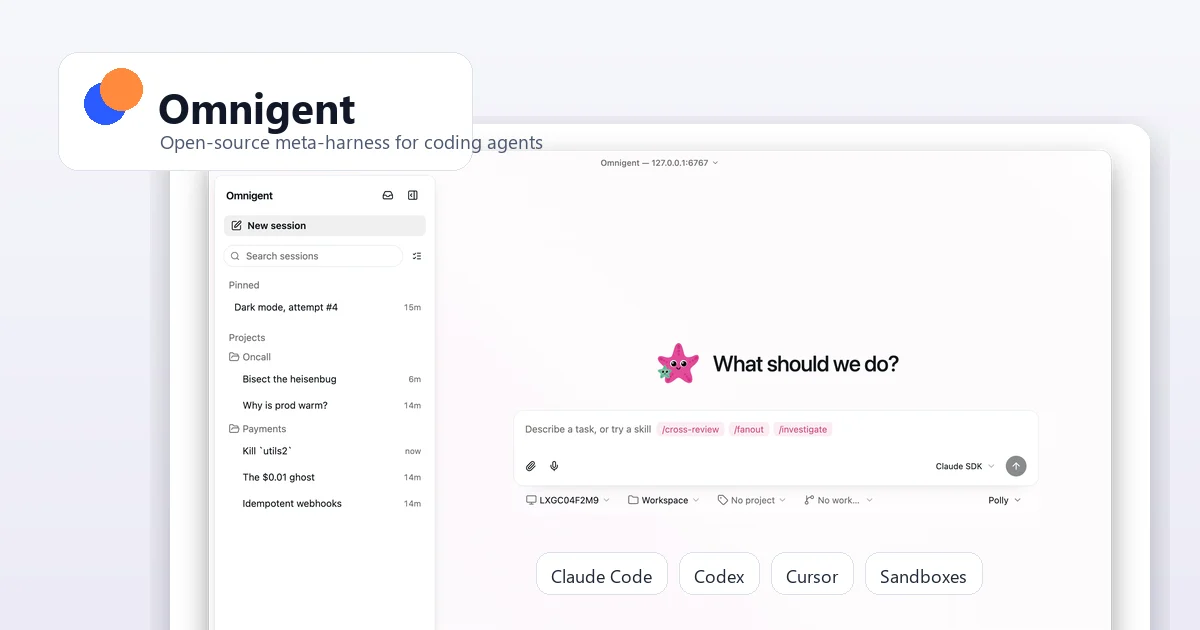
Open-source meta-harness for running, governing, sharing, and switching between coding agents like Claude Code, Codex, Cursor, OpenCode, Hermes, and Pi.
Open-source, local-first design workspace that lets coding agents generate brand-aware prototypes, decks, dashboards, images, and design systems.
Do one more comparison before you commit to Google Agents CLI
Strong picks usually survive one more internal check. Read deeper, compare a neighbor, then leave for the vendor page if the fit still holds.