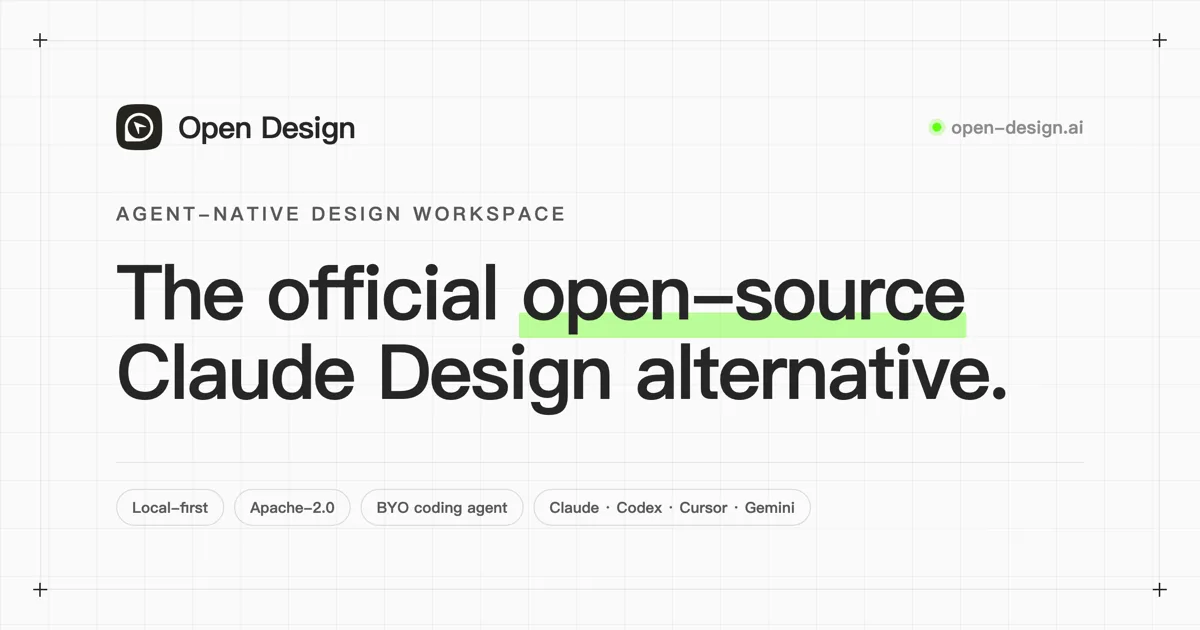
Open Design
Open-source, local-first design workspace that lets coding agents generate brand-aware prototypes, decks, dashboards, images, and design systems.
Do not bounce yet
Read the fit check, compare one alternative, then decide whether the vendor page is still your best next click.
Quick Verdict
Fast fit check before you leave the page
Make the fit call first. Vendor pages are good at selling, but they rarely tell you where the product is a bad match.
- Vibe coding teams that need brand-aware prototypes before implementation
- Developers using Claude Code, Codex CLI, Cursor, OpenCode, or OpenClaw for UI-heavy product work
- Product engineers who want open-source design generation with local files and reviewable artifacts
- Output polish can still lag mature closed design products, so human design review remains mandatory
- The repository and README are highly ambitious, which raises integration and maintenance risk for teams expecting a narrow tool
- Real usage can still require paid model providers or the optional AMR routing service even though the core code is free
Compare Next
Take one more internal step before the vendor pitch
This is where visitors usually jump out too early. Read one deeper take or open one alternative so the next click is informed instead of impulsive.
Alternative profile
Bolt.new
Bolt.new is a browser-based AI app builder that can prompt, run, edit, and deploy full-stack web apps without local setup.
Alternative profile
GitHub Spark
GitHub-native AI app builder for creating full-stack intelligent web apps with natural language, live preview, and one-click deployment.
Alternative profile
Lovable
Lovable is a browser-based AI app builder for generating, refining, and deploying full-stack web apps from chat prompts.
Open Design is an open-source, local-first design workspace built for the coding-agent era. It lets teams capture brand context, generate prototypes and decks, manage DESIGN.md systems, and route the work through tools like Claude Code, Codex CLI, Cursor, OpenCode, OpenClaw, Qwen, and Copilot. That makes it especially relevant for vibe coding teams that need visual direction and implementation to stay in the same agent-readable workflow.
Open Design is a serious bridge between vibe coding and product design: instead of asking developers to paste vague visual briefs into a coding agent, it gives them a local-first design workspace, a DESIGN.md system, skills, plugins, an MCP server, and desktop/web surfaces that existing agents can read and write. The project supports Claude Code, Codex CLI, Cursor, OpenCode, OpenClaw, Qwen, Copilot, and other agent CLIs, then turns prompts and brand inputs into single-page prototypes, dashboards, decks, images, PDFs, PPTX exports, and reusable design systems. The caveat is important: output quality is still uneven compared with mature closed design products, so teams should treat it as an inspectable design-to-code workflow layer, not a replacement for strong product design review.
Why Choose Open Design?
Open Design is worth evaluating because it treats design context as files, skills, and MCP-accessible workflow state rather than a closed canvas.
It is one of the few open-source tools trying to connect brand systems, visual prototypes, and coding-agent execution in one loop.
The project has unusually strong public signals for a young tool: 72k+ GitHub stars, 8k+ forks, active releases, and desktop binaries.
It is a better fit for serious teams when used as an inspectable workflow layer, not as a magic replacement for taste, QA, or design review.
Key Features
Local-first design workspace with desktop/web surfaces, sandboxed previews, project files, and reusable DESIGN.md design systems
MCP and skill-based integration path for Claude Code, Codex CLI, Cursor, OpenCode, OpenClaw, Qwen, Copilot, and other coding-agent CLIs
Generates prototypes, dashboards, decks, images, videos, PDFs, PPTX exports, and HTML artifacts from brand inputs and structured briefs
Brand and design-system ingestion from URLs, DESIGN.md files, offline Figma files, browser clipping, and a reusable asset library
Plugin and skills ecosystem for design workflows, templates, device frames, visual directions, and agent-readable workflow extensions
Open-source TypeScript/Next.js/Electron codebase with Apache-2.0 licensing and macOS/Windows desktop release assets
Pros & Cons
- Directly connects visual design work to the coding agents developers already use instead of creating another isolated mockup surface
- Local files, skills, MCP, and DESIGN.md make the workflow more inspectable than closed prompt-only design generators
- Strong GitHub activity, release cadence, and public adoption signals make it more substantial than a thin Figma wrapper
- Useful for teams that want brand-aware prototypes or decks that can be handed to Codex, Claude Code, Cursor, or OpenCode for implementation
- Output polish can still lag mature closed design products, so human design review remains mandatory
- The repository and README are highly ambitious, which raises integration and maintenance risk for teams expecting a narrow tool
- Real usage can still require paid model providers or the optional AMR routing service even though the core code is free
- Design-generation scope is broad enough that teams should pilot it on low-risk workflows before standardizing around it
Detailed Use Cases for Open Design
Open Design can ingest a brand URL, DESIGN.md, Figma file, or browser capture, then generate prototypes and dashboards that preserve more product context than a loose prompt.
Teams can use DESIGN.md and Open Design skills to make design direction legible to Claude Code, Codex CLI, Cursor, OpenCode, and other coding agents.
The workspace can create decks, PDFs, images, and HTML artifacts, which helps product teams move from research and planning to implementation without switching tools constantly.
Open Design is a practical candidate when you want the Claude Design-style loop but need Apache-2.0 code, local inspection, and BYO model/provider flexibility.
Who Should Use Open Design?
Vibe coding teams that need brand-aware prototypes before implementation
Developers using Claude Code, Codex CLI, Cursor, OpenCode, or OpenClaw for UI-heavy product work
Product engineers who want open-source design generation with local files and reviewable artifacts
Teams comparing open alternatives to Claude Design, v0, Bolt.new, Lovable, and GitHub Spark
Perfect For
Generating brand-aware landing page or dashboard prototypes before handing code work to a coding agent
Turning DESIGN.md, Figma, or brand URL inputs into reusable design systems that agent workflows can consume
Creating editable decks, PDFs, images, and HTML artifacts inside an agent-native product workflow
Evaluating an open-source alternative to closed Claude Design-style visual generation loops
Technical Details
Open Design Comparisons & Alternatives
Open Design vs Claude Design
Open Design vs v0
open source design agent
Codex design MCP
Claude Code design workflow
Developers compare Open Design with other vibe coding tools when they need a better workflow fit, not just a better landing page.
Direct Competitors
v0
Bolt.new
Lovable
Onlook
GitHub Spark
Similar Tools You Might Like

Bolt.new is a browser-based AI app builder that can prompt, run, edit, and deploy full-stack web apps without local setup.

Open-source frontend coding agent and purpose-built browser that lets developers click live UI, inspect runtime context, and apply changes to real local codebases.

Open-source platform for running and automating sandboxed coding agents with credential-brokered integrations and snapshot-based sessions.
Alternative Tools to Consider
Bolt.new is a browser-based AI app builder that can prompt, run, edit, and deploy full-stack web apps without local setup.

GitHub-native AI app builder for creating full-stack intelligent web apps with natural language, live preview, and one-click deployment.

Lovable is a browser-based AI app builder for generating, refining, and deploying full-stack web apps from chat prompts.

The Cursor for Designers. Visually build, style, and edit React applications with AI.

Vercel's AI app builder for turning prompts into working web apps, UI, and product surfaces with GitHub sync and instant deployment.
Do one more comparison before you commit to Open Design
Strong picks usually survive one more internal check. Read deeper, compare a neighbor, then leave for the vendor page if the fit still holds.