Plannotator Review 2026: Plan and Code Review for AI Coding Agents
TL;DR
Use this article to move into a better next click
- A practical Plannotator review covering plan approval, local and PR diff review, Codex and Claude integrations, pricing, privacy, tradeoffs, and alternatives.
- Plannotator is most relevant for CLI Tools + Agentic Coding, and the directory profile adds pricing, tradeoffs, and alternatives.
- Before you commit, compare it with Open Code Review and Paseo.
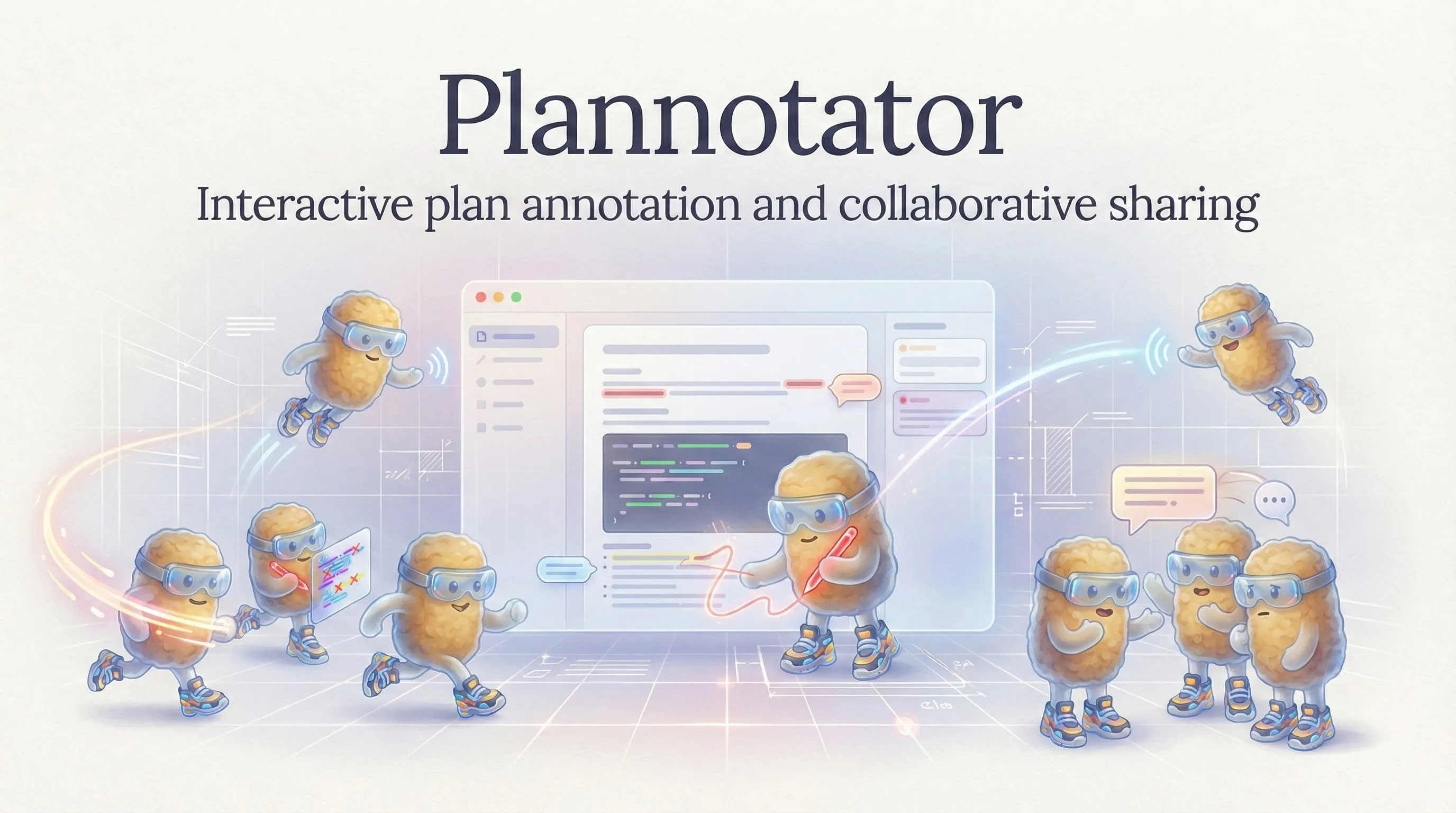
Plannotator is a local review layer for coding agents. It gives plans, documents, and code diffs a browser-based annotation surface, then sends structured feedback back to the agent that produced the work.
That focus is useful. Plannotator does not try to replace Claude Code, Codex, OpenCode, Pi, or another coding agent. It addresses the approval step between “the agent proposed or changed something” and “a human is willing to let that work continue.”
Short answer: Plannotator is worth evaluating if terminal plan approval and raw diffs have become weak points in your agent workflow. It is less compelling if your existing IDE and pull-request review process already provide the control, collaboration, and audit trail you need.
Quick Verdict
| Question | Plannotator answer |
|---|---|
| Best for | Developers who want a visual, local review checkpoint around coding-agent plans and diffs |
| Not ideal for | Teams that need a mature hosted policy platform or identical integration depth across every agent |
| Official site | plannotator.ai |
| Documentation | Plannotator docs |
| GitHub | backnotprop/plannotator |
| License | Dual Apache-2.0 or MIT on the public repository |
| Pricing | The open-source local tool is free; agent subscriptions and model usage remain separate |
| Hosted option | Workspaces is a waitlist product, not a generally available team plan with public pricing |
| Current version checked | v0.25.0, published July 27, 2026 |
| Public signal checked | About 7.3k GitHub stars and 534 forks on July 28, 2026 |
| Core strength | One review surface that returns human annotations to the active agent loop |
| Main weakness | Setup and behavior vary by agent, operating system, and review mode |
| Closest alternatives | Hunk, Open Code Review, Packmind, and native IDE or pull-request review |
What Is Plannotator?
Plannotator is an open-source plan, document, and code review tool for AI coding workflows. It runs a local review server and opens the review surface in a browser.
Its main workflows are:
- Plan review: inspect an agent plan, annotate text, approve it, or return requested changes.
- Code review: inspect local changes, commits, branches, worktrees, or GitHub and GitLab reviews in a diff interface.
- Document annotation: review markdown, HTML, URLs, folders, and supported structured files, then send the feedback to an agent.
- Agent-assisted review: ask a configured local agent questions about the diff or run review agents whose findings appear as annotations.
The important part is the return path. An annotation is not left in a separate browser tab for someone to copy manually. Plannotator packages the review result and sends it back into the originating agent session when the integration supports that flow.
Keep the tool in view
Open Plannotator before you forget it
The profile page adds pricing, pros, cons, and internal alternatives without throwing you straight to a vendor pitch.
Plan Review: Better Than a Binary Approval Prompt
Plan mode often ends with a weak choice: approve a long block of terminal text or reject it with a new free-form prompt. Plannotator replaces that moment with a document-style review surface.
You can comment on selected text, suggest replacements, remove sections, and request changes before implementation starts. When the plan changes, the interface can show what changed between revisions. In the current release, approval can also carry annotations back to supported agents instead of discarding useful notes when the overall plan is acceptable.
This workflow is most valuable when the plan is a real control point. If an agent will modify authentication, database schemas, deployment configuration, or a large part of a repository, line-level plan feedback is more precise than a vague “please address my concerns.”
It is still possible to create ceremony without improving the result. Small edits do not need a formal plan-review UI, and a polished plan can still describe a bad implementation. Plannotator improves the review surface; it does not validate the plan for you.
Code Review: Local Diffs, Commits, and Pull Requests
The /plannotator-review workflow opens a browser diff viewer for local changes or a remote GitHub pull request. GitLab merge requests are also supported when the required CLI is installed and authenticated.
The current documentation covers:
- all changes against the base branch;
- staged, unstaged, and uncommitted changes;
- individual commits and branch comparisons;
- local worktrees;
- GitHub pull requests and GitLab merge requests;
- stacked changes with layer and full-stack views;
- Git, Jujutsu, and Perforce repositories;
- inline, token-level, file-level, and general comments.
For local agent work, this fills a useful gap between git diff and a hosted pull request. You can review before creating a branch or pushing code, while the agent session that made the changes is still available to respond.
The AI layer is optional. Plannotator can launch supported review engines and display findings beside the diff, but those findings remain suggestions for the human reviewer. The official docs say the built-in review agents run read-only and do not post comments automatically. You decide which findings to keep and when to send feedback.
Codex, Claude Code, OpenCode, and Pi Support
Integration depth is not uniform, so “supports my agent” is only the first question.
Claude Code has the most direct plan-review path through its plugin and permission hook. The official installation guide recommends the plugin marketplace for the plan-review hook, while the main installer adds the separate review and annotation skills.
Codex supports direct review and annotation skills, plus an experimental plan-review flow through the Codex Stop hook. The official docs describe this as a post-render review: Plannotator extracts the latest plan when a turn stops and can return a continuation reason when changes are requested. Hook-based setup is currently documented for macOS, Linux, and WSL, not Windows.
OpenCode uses a plugin for its planning workflow. Review and annotation commands also require the Plannotator installer.
Pi has a dedicated extension with plan mode, code review, annotation, and execution-progress features:
pi install npm:@plannotator/pi-extension
The installer also supports Gemini CLI, Kiro CLI, and several commands-only integrations. Check the current installation guide before adopting it across a team because hooks, skills, plugins, and platform support can change independently.
Installation and Operational Reality
The official installer supports macOS, Linux, and WSL:
curl -fsSL https://plannotator.ai/install.sh | bash
Windows has PowerShell and CMD installers. Plannotator also documents version pinning and a --minimal mode that installs only the binary, without the agent-specific skills, hooks, sidecars, or configuration.
That flexibility is useful, but review the installer before piping it into a shell. A review tool sits close to source code, agent transcripts, repository metadata, and local credentials. Teams should understand which hooks and skills are installed, pin a known version when reproducibility matters, and decide whether optional AI features belong in the environment.
Version 0.25.0 adds a strict automation mode for gated annotation:
plannotator annotate --gate --json --require-approval
The release also adds atomic result-file output, so scripts can treat human approval as a real gate instead of assuming that any completed session was approved. This makes Plannotator more relevant to automation and CI-style workflows, but it does not turn the local tool into a hosted enterprise approval system.
Pricing, License, and Privacy
The Plannotator core is free and open source. The public repository offers a choice of Apache-2.0 or MIT licensing.
“Free” applies to the review tool, not the complete agent workflow. Claude Code, Codex, OpenCode, Pi, and other providers retain their own authentication, subscription, API, and model-usage costs. Running several review agents can increase usage even when Plannotator itself has no subscription.
Plannotator Workspaces is positioned as a future hosted layer for teams and power users. The current public page is a waitlist, so do not evaluate the open-source tool as if a generally available hosted team plan already exists.
The local review interface runs on your machine. The official sharing documentation describes two paths:
- small shared plans can be encoded in the URL hash without server storage;
- larger shares use browser-side AES-256-GCM encryption, with the key kept in the URL and stored ciphertext scheduled for deletion after seven days.
Optional agent review sends information to the provider behind the CLI you select. Plannotator does not remove the need to review that provider's data handling, repository policy, and credential boundaries.
Compare before you switch
Pressure-test Plannotator
Use the alternatives block on the tool page before you leave for the official site. That one extra step usually saves you a bad pick.
What Changed in v0.25.0?
The July 27 release is more than a visual refresh. Its decision-relevant changes include:
- optional Vim-style keyboard controls for plan and document annotation;
- approval that can preserve reviewer notes for the agent;
- strict exit behavior and atomic result files for scripted approval gates;
- persisted Guided Reviews tied to a repository;
- per-file version history for folder annotation;
- memory limits for large untracked files;
- a setting that disables Ask AI, review agents, and Guided Review launches;
- fixes for OpenCode feedback routing and Pi extension interoperability.
The rapid release cadence is both a positive signal and an operational risk. The repository is active and integrations are improving, but teams that depend on hooks and review gates should test updates before rolling them out broadly.
Plannotator Alternatives
Hunk: Choose Hunk when you want a focused terminal diff viewer with an agent-aware workflow and do not need browser-based plan annotation. It has a smaller review surface and stays closer to the terminal.
Open Code Review: Consider Open Code Review when the primary need is an open-source code-review workflow rather than a combined plan, document, and diff approval layer.
Packmind: Evaluate Packmind when the problem is organizational engineering standards and reusable guidance, not only the ergonomics of one local review session.
Paseo: Paseo is closer to a self-hosted workspace for supervising coding-agent tasks. It is a broader operating layer, while Plannotator is more focused on human review checkpoints.
Native IDE and pull-request tools may already be enough. VS Code, JetBrains IDEs, GitHub, GitLab, and other established review surfaces offer mature collaboration and history. Plannotator is most differentiated before the pull request exists and when review feedback needs to return directly to the active coding agent.
Who Should Use Plannotator?
Use Plannotator if you:
- approve substantial coding-agent plans and want more than a yes/no terminal prompt;
- review agent-written local changes before committing or pushing them;
- want annotations to return to the same agent loop as structured feedback;
- use more than one coding agent and value a shared review surface;
- are comfortable inspecting local installers, hooks, skills, and provider access;
- want an open-source tool you can pin, audit, and self-host.
Skip it if you:
- make mostly small changes that do not justify another review surface;
- already have a strong IDE and pull-request workflow with no local review gap;
- need a finished hosted team product with centralized policy and public pricing;
- expect every supported agent and operating system to have identical integration depth;
- want an automated reviewer to replace human responsibility for the diff.
Final Verdict
Plannotator solves a concrete problem: coding agents can produce plans and changes faster than terminal approval prompts and raw diffs make comfortable to review.
Its strongest feature is not the browser UI by itself. It is the closed feedback loop from human annotation back to the agent. Plan review, local diff review, document annotation, and optional review agents all make more sense when the result can immediately guide the next agent turn.
The tradeoff is additional workflow infrastructure. Hooks, plugins, local servers, external CLIs, fast releases, and uneven platform support all require ownership. Start with one non-critical repository and one workflow—plan approval or pre-commit diff review—then measure whether the added checkpoint catches meaningful issues without slowing routine work unnecessarily.
For a concise product summary, open the Plannotator tool page. For current setup and release details, use the official documentation, GitHub repository, and latest release.