
Kilo Code
Kilo Code is an open-source AI agent VS Code extension that enhances coding efficiency through code generation, task automation, and intelligent suggestions.
Do not bounce yet
Read the fit check, compare one alternative, then decide whether the vendor page is still your best next click.
Quick Verdict
Fast fit check before you leave the page
Make the fit call first. Vendor pages are good at selling, but they rarely tell you where the product is a bad match.
- Professional software engineers seeking deep AI assistance without vendor lock-in or data privacy concerns
- Development teams requiring customizable AI agents for complex project coordination and task automation
- Developers working on large-scale codebases who need intelligent refactoring, debugging, and documentation assistance
- VS Code-centric workflow limits appeal for developers who primarily live in terminals or JetBrains
- Smaller ecosystem and brand recognition than Cline, Roo Code, Cursor, or Copilot
- Configuration flexibility can turn into setup overhead for less technical users
Compare Next
Take one more internal step before the vendor pitch
This is where visitors usually jump out too early. Read one deeper take or open one alternative so the next click is informed instead of impulsive.
Alternative profile
Claude Code
Agentic AI coding assistant that lives in your terminal, understands your entire codebase and automates routine tasks
Alternative profile
Claude Code Chat
Beautiful chat interface for Claude Code right inside VS Code, no terminal required
Alternative profile
Claude Code Usage Monitor
Open-source terminal dashboard for tracking Claude Code token usage, burn rate, and predicted session cutoffs.
Kilo Code is an innovative open-source AI coding assistant designed as a VS Code extension that combines the best features of Cline and Roo Code while introducing unique enhancements. It empowers developers to generate code from natural language, automate repetitive tasks, and collaborate with AI through specialized modes including Orchestrator, Architect, Code, and Debug modes, all while maintaining complete transparency and extensibility through the Model Context Protocol (MCP).
Kilo Code is an open-source AI coding assistant integrated into Visual Studio Code. It leverages advanced AI models to generate code from natural language, refactor and debug existing code, write and update documentation, answer questions about your codebase, automate repetitive tasks, and create new files and projects. Kilo Code supports multiple specialized modes (Code, Architect, Ask, Debug, and custom modes), powerful core tools for file operations, terminal command execution, web control, and follow-up queries, and can be extended via the Model Context Protocol for custom integrations and local AI models.
Why Choose Kilo Code?
Complete open-source transparency with no vendor lock-in or data training on your code
Multiple specialized AI modes (Orchestrator, Architect, Code, Debug, Custom) for every development need
Seamless VS Code integration with file operations, terminal control, and browser automation
Model Context Protocol (MCP) marketplace for unlimited custom integrations and tools
Transparent pricing matching provider rates exactly—$20 free credits with no commission fees
Key Features
Open-source VS Code coding agent with dedicated modes for coding, architecture, asking questions, and debugging
Built-in file, terminal, browser, and follow-up tools for multi-step agentic workflows
MCP extensibility so teams can plug in external systems and custom tools instead of staying trapped in a closed extension
Bring-your-own-model flexibility including provider APIs and local model options
Transparent positioning around provider-cost pass-through instead of hiding margins in the UX
Community-driven development that openly borrows good ideas from adjacent agentic IDE projects
Pros & Cons
- One of the more credible open-source VS Code agent options for users who want more than autocomplete
- Mode separation is useful for switching between implementation, planning, and debugging without changing products
- MCP support gives it a stronger extensibility story than many IDE assistants
- Good fit for cost-conscious developers who want model choice and visibility into what they are paying for
- VS Code-centric workflow limits appeal for developers who primarily live in terminals or JetBrains
- Smaller ecosystem and brand recognition than Cline, Roo Code, Cursor, or Copilot
- Configuration flexibility can turn into setup overhead for less technical users
- Open-source momentum is helpful, but the product still needs time to prove long-term reliability
Detailed Use Cases for Kilo Code
Leverage Orchestrator mode to break down complex projects into subtasks, Architect mode to design solutions, Code mode for implementation, and Debug mode for systematic issue resolution.
Let AI handle mundane programming tasks including dependency management, bug fixing, documentation updates, test maintenance, and typing issue resolution.
Connect to unlimited external tools, databases, APIs, and services through the Model Context Protocol marketplace, including Context7, Figma, Perplexity, and Git integrations.
Pay exactly what providers charge for tokens with no hidden fees or commissions, bring your own API keys, or use local models for enhanced privacy.
Contribute to and benefit from active community improvements, GitHub collaboration, Discord engagement, and rapid iteration cycles.
Who Should Use Kilo Code?
Professional software engineers seeking deep AI assistance without vendor lock-in or data privacy concerns
Development teams requiring customizable AI agents for complex project coordination and task automation
Developers working on large-scale codebases who need intelligent refactoring, debugging, and documentation assistance
Open-source enthusiasts and teams wanting extensible AI tools with MCP integration capabilities
Perfect For
Agentic coding inside VS Code with stronger transparency than closed commercial copilots
Debugging, refactoring, and repo exploration with specialized assistant modes
Connecting custom MCP tools and internal systems into IDE-based AI workflows
Lower-cost coding assistance for developers comfortable bringing their own models
Technical Details
Kilo Code Comparisons & Alternatives
Kilo Code vs GitHub Copilot
Kilo Code vs Cursor
open-source AI coding assistant
MCP Model Context Protocol
multi-mode AI agent
Developers compare Kilo Code with other vibe coding tools when they need a better workflow fit, not just a better landing page.
Direct Competitors
Cline
Roo Code
Continue
Claude Code
Similar Tools You Might Like

Open-source AI coding agent for VS Code whose official docs now mark the original extension as shut down, with ZooCode and Cline listed as migration paths.

MIT-licensed semantic code search MCP and VS Code extension that gives Claude Code, Codex, Gemini CLI, and other coding agents repo-scale context.
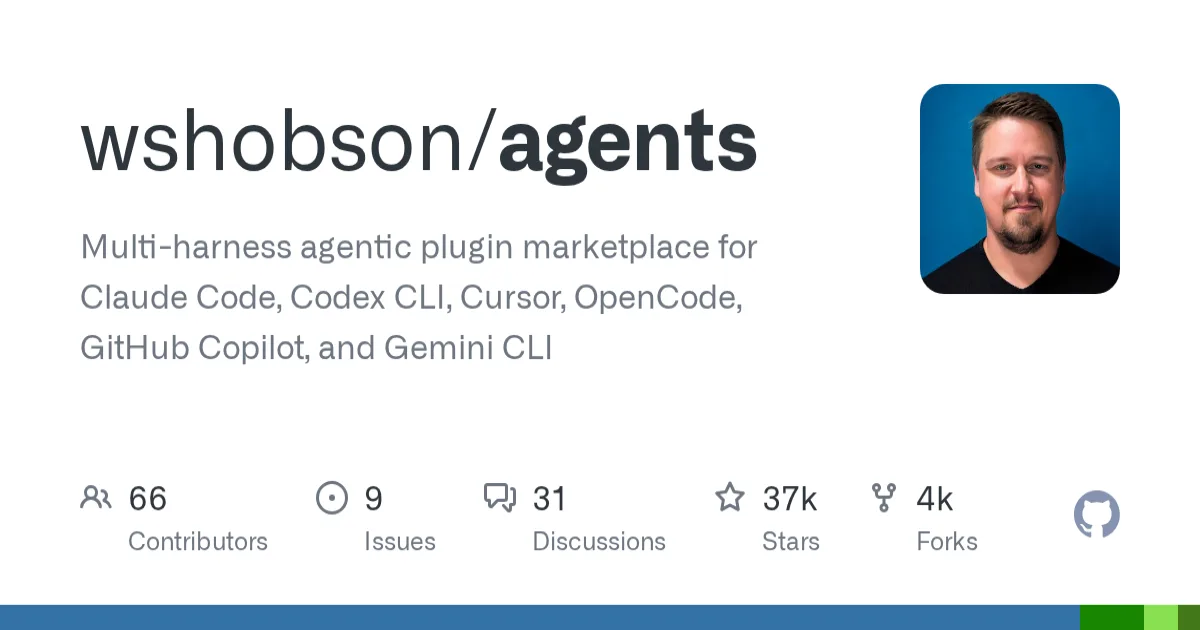
Open-source multi-harness plugin marketplace for shipping agents, skills, commands, and workflows across Claude Code, Codex CLI, Cursor, OpenCode, Gemini CLI, and Copilot.
Alternative Tools to Consider
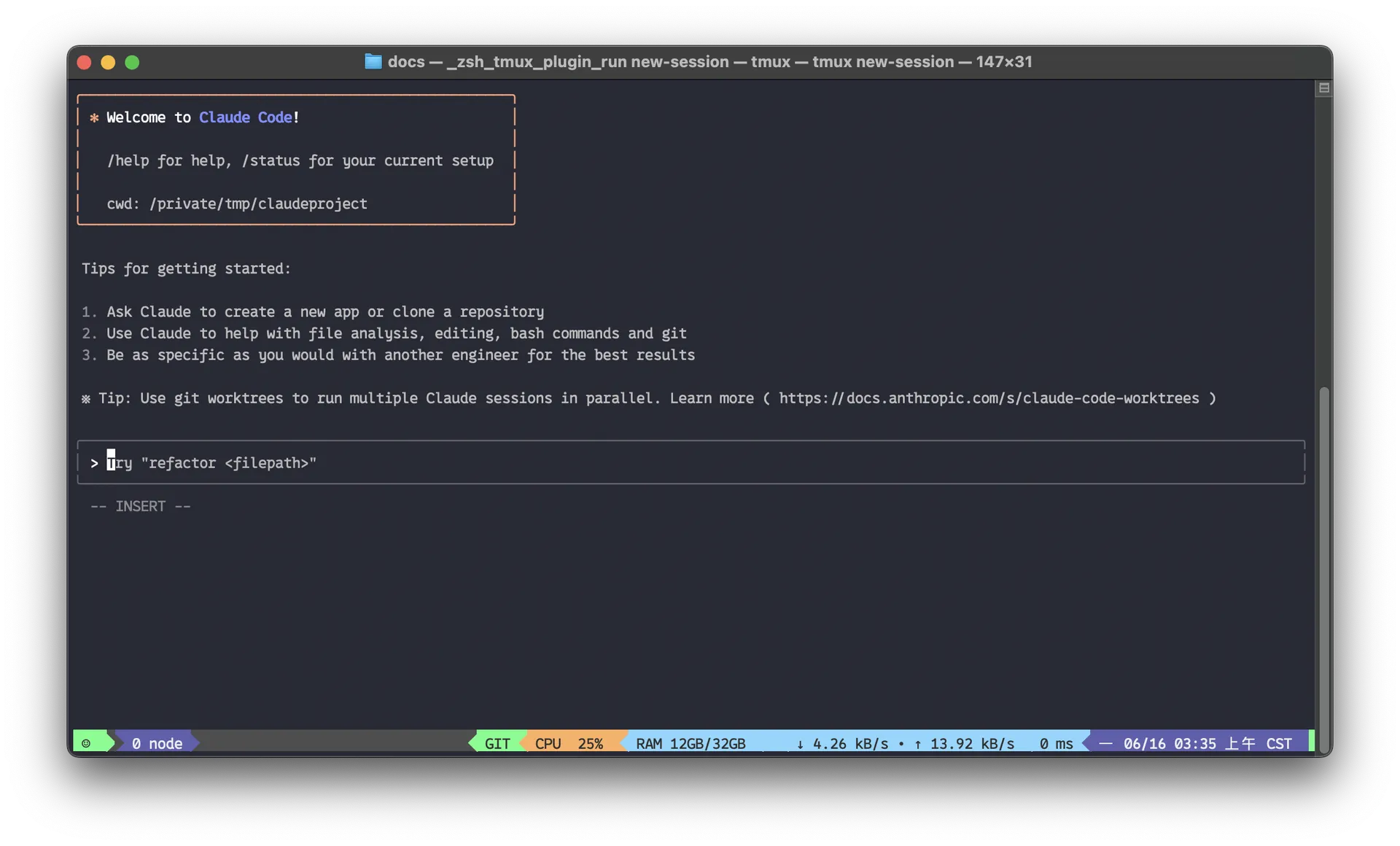
Agentic AI coding assistant that lives in your terminal, understands your entire codebase and automates routine tasks

Beautiful chat interface for Claude Code right inside VS Code, no terminal required

Open-source terminal dashboard for tracking Claude Code token usage, burn rate, and predicted session cutoffs.

Open-source coding agent for VS Code and the terminal with browser automation, MCP extensibility, and human-in-the-loop approvals.

Open-source AI checks platform with PR review agents, a local CLI, and IDE extensions for serious coding workflows.
Open-source AI coding agent for VS Code whose official docs now mark the original extension as shut down, with ZooCode and Cline listed as migration paths.
Do one more comparison before you commit to Kilo Code
Strong picks usually survive one more internal check. Read deeper, compare a neighbor, then leave for the vendor page if the fit still holds.