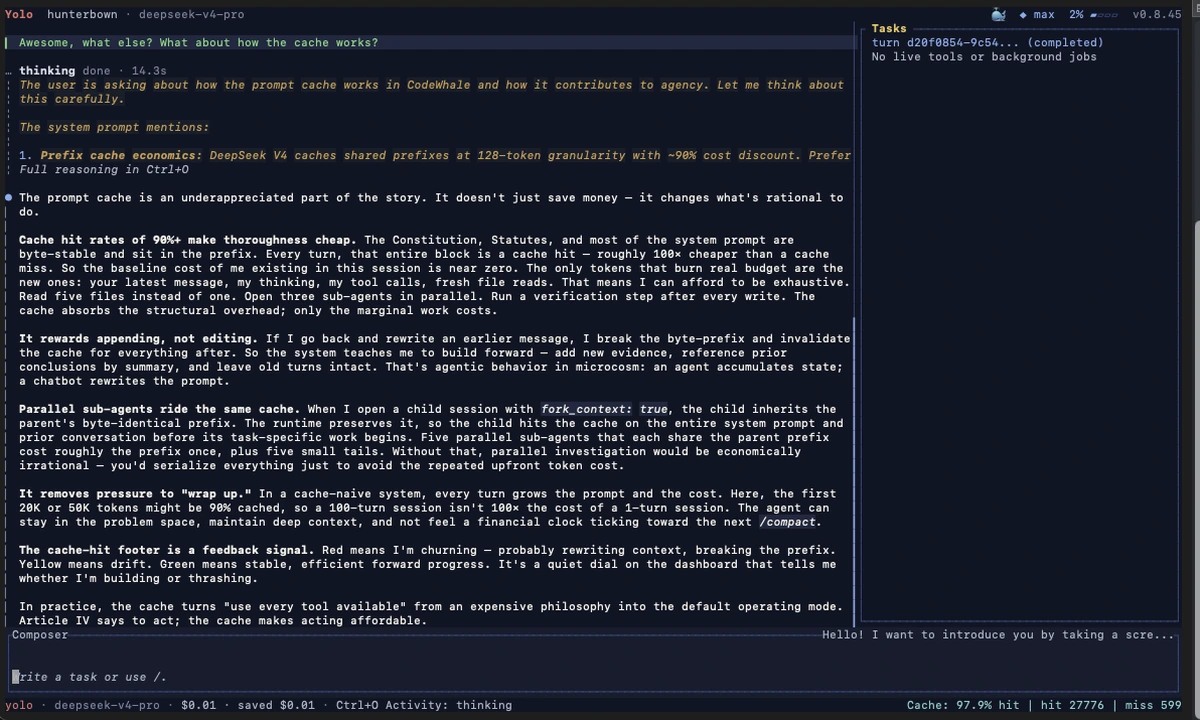
CodeWhale
Open-source terminal coding agent formerly known as DeepSeek TUI, with Plan/Agent/YOLO modes, MCP support, subagents, LSP diagnostics, and a headless runtime API.
Do not bounce yet
Read the fit check, compare one alternative, then decide whether the vendor page is still your best next click.
Quick Verdict
Fast fit check before you leave the page
Make the fit call first. Vendor pages are good at selling, but they rarely tell you where the product is a bad match.
- Terminal-first developers evaluating serious coding agents built around DeepSeek or compatible providers
- Builders who want MCP-enabled local repo work instead of browser-only agent products
- Teams testing open-source alternatives to Claude Code, OpenAI Codex, Gemini CLI, Aider, or OpenCode
- The rename reduces clarity problems long term, but the transitional state still leaves legacy `DEEPSEEK_*` env vars, old install names, and old blog coverage floating around the web.
- Open-source availability does not remove operating cost; real use still depends on external model/provider spend.
- Its release cadence is a strength and a risk: fast iteration means fast progress, but also more churn for cautious teams.
Compare Next
Take one more internal step before the vendor pitch
This is where visitors usually jump out too early. Read one deeper take or open one alternative so the next click is informed instead of impulsive.
Alternative profile
Aider
Open-source terminal coding agent with git-native edits, repo mapping, and broad model support
Alternative profile
Claude Code
Agentic AI coding assistant that lives in your terminal, understands your entire codebase and automates routine tasks
Alternative profile
Claude Code Chat
Beautiful chat interface for Claude Code right inside VS Code, no terminal required
CodeWhale is the current identity of the project many people first saw as DeepSeek TUI. That rename matters because the old listing now understates both the brand users will actually encounter and the scale the project has reached. The product itself remains a serious terminal coding agent with repo edits, shell access, git-aware workflows, MCP, subagents, diagnostics, and a headless runtime surface.
CodeWhale is the current product identity of the project previously listed here as DeepSeek TUI. It is a serious open-source terminal coding agent built for repository work: it can inspect and edit files, run shell commands, manage git-aware tasks, use MCP servers, spawn subagents, surface LSP diagnostics after edits, and expose an HTTP/SSE runtime API for headless automation. That makes it relevant in the same real category as Claude Code, OpenAI Codex, Gemini CLI, Aider, and OpenCode rather than in the pile of disposable launch-week wrappers.
Why Choose CodeWhale?
Choose CodeWhale when you want a terminal-first coding agent rather than only raw model access or another IDE sidebar.
Its Plan, Agent, and YOLO modes make the autonomy tradeoff explicit instead of hiding everything behind one generic chat workflow.
The combination of MCP, LSP diagnostics, subagents, provider routing, and HTTP/SSE serving gives it a richer operating surface than most launch-week wrappers.
The rebrand from DeepSeek TUI to CodeWhale means a current review should track the live product identity, package names, and official site instead of stale historical naming.
Key Features
Terminal coding agent launched with the `codewhale` command, preserving the DeepSeek TUI lineage while moving the active product, package, and release branding to CodeWhale.
Three operating modes — Plan, Agent, and YOLO — for read-only investigation, approval-gated execution, or trusted-workspace autonomy.
Full tool surface for file operations, shell commands, git, web access, MCP servers, subagents, and a headless HTTP/SSE runtime API.
LSP diagnostics after edits, durable task handling, reasoning-stream visibility, session save/resume, and approval-aware repo workflows.
Support for DeepSeek by default plus compatible providers such as OpenRouter, NVIDIA NIM, Fireworks, SGLang, vLLM, Ollama, and OpenAI-compatible endpoints.
Extra operator-facing surfaces including ACP serving, skills, provider routing, and runtime APIs that make it more than a thin single-model wrapper.
Pros & Cons
- This is visibly a real terminal agent rather than a prompt shell: repo edits, shell execution, git context, diagnostics, subagents, MCP, and headless automation are all first-class.
- The rebrand matters because public traction is now far larger than the older DeepSeek TUI snapshot suggested, with roughly 36k GitHub stars and active packaging across npm, cargo, and releases.
- Plan / Agent / YOLO mode separation gives users a concrete autonomy dial instead of one fuzzy chat workflow.
- Despite the DeepSeek-first positioning, the documented provider surface is broader than the name implies, which makes it more flexible in practice than a one-endpoint tool.
- The rename reduces clarity problems long term, but the transitional state still leaves legacy `DEEPSEEK_*` env vars, old install names, and old blog coverage floating around the web.
- Open-source availability does not remove operating cost; real use still depends on external model/provider spend.
- Its release cadence is a strength and a risk: fast iteration means fast progress, but also more churn for cautious teams.
- Compared with older incumbents like Aider, some buyers may still treat it as a newer entrant even though the repo momentum is already substantial.
Detailed Use Cases for CodeWhale
CodeWhale fits developers who want repository context, shell execution, git operations, approval controls, and model-assisted edits inside a terminal-native workflow rather than a browser app or IDE sidebar.
The project is useful as a local terminal UI and as a headless runtime surface when teams want automation, scripting, or longer-running background tasks.
MCP support, LSP feedback after edits, and concurrent subagents make CodeWhale relevant for real maintenance and implementation work rather than only one-shot generation demos.
If you have older notes or bookmarks for DeepSeek TUI, the right current comparison is CodeWhale versus terminal agents like Claude Code, OpenAI Codex, Gemini CLI, Aider, and OpenCode.
Who Should Use CodeWhale?
Terminal-first developers evaluating serious coding agents built around DeepSeek or compatible providers
Builders who want MCP-enabled local repo work instead of browser-only agent products
Teams testing open-source alternatives to Claude Code, OpenAI Codex, Gemini CLI, Aider, or OpenCode
Developers who need both interactive terminal use and scriptable headless agent runs
Perfect For
Terminal-first coding work for developers who want a serious agent loop around DeepSeek or compatible providers.
Repo maintenance that benefits from MCP integrations, shell execution, git context, LSP-assisted edits, and explicit approval control.
Headless automation or longer-running workflows that need the HTTP/SSE runtime API rather than only an interactive UI.
Evaluating a fast-moving open-source terminal agent against Claude Code, OpenAI Codex, Gemini CLI, Aider, or OpenCode.
Technical Details
CodeWhale Comparisons & Alternatives
CodeWhale review
CodeWhale vs Claude Code
CodeWhale vs OpenAI Codex
DeepSeek TUI review
DeepSeek TUI rebrand CodeWhale
open source terminal coding agent
Developers compare CodeWhale with other vibe coding tools when they need a better workflow fit, not just a better landing page.
Direct Competitors
Claude Code
OpenAI Codex
Gemini CLI
Aider
OpenCode
Similar Tools You Might Like

Open-source Rust terminal coding agent with multi-provider support, headless mode, plugins, and experimental managed-agent workflows.

Open-source terminal coding agent with a multi-agent architecture, custom agent workflows, and SDK support for repo-aware code generation.
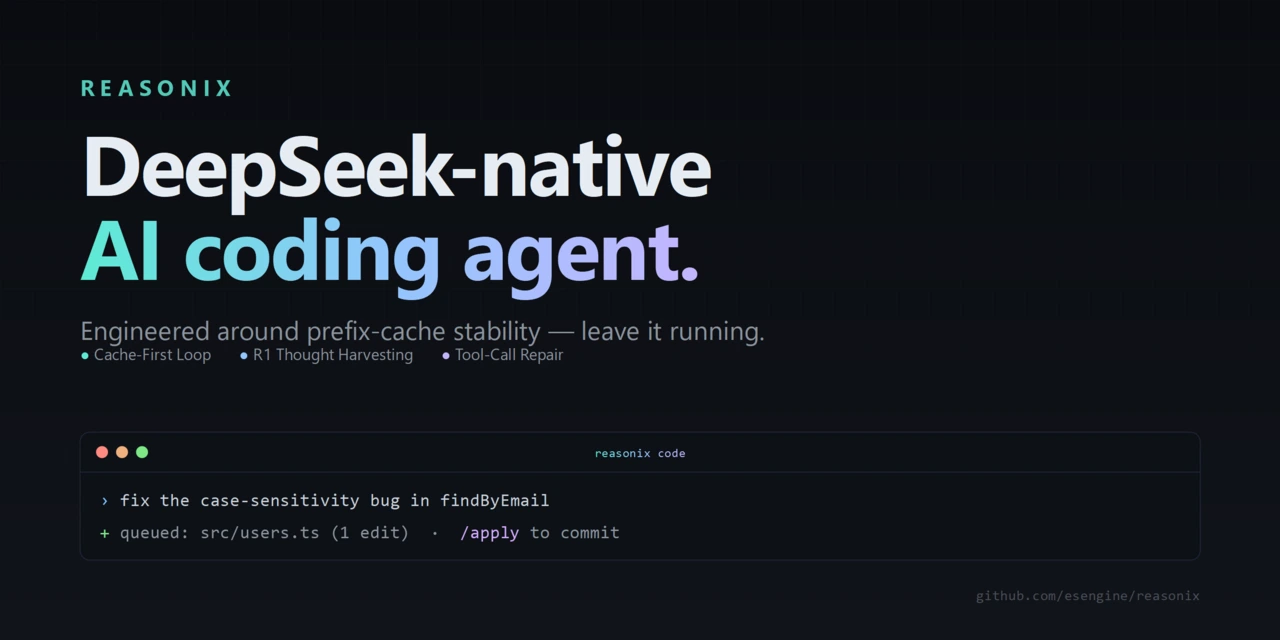
DeepSeek-native terminal coding agent built for cache-stable long sessions, reviewable edits, MCP, hooks, and embedded dashboard workflows.
Alternative Tools to Consider

Open-source terminal coding agent with git-native edits, repo mapping, and broad model support

Agentic AI coding assistant that lives in your terminal, understands your entire codebase and automates routine tasks

Beautiful chat interface for Claude Code right inside VS Code, no terminal required

Open-source terminal dashboard for tracking Claude Code token usage, burn rate, and predicted session cutoffs.

Google's open-source terminal coding agent with Gemini 3 models, MCP extensibility, and strong headless automation workflows.

OpenAI's repo-aware coding agent spanning terminal CLI, desktop app, IDE integrations, and cloud-assisted development workflows.
Do one more comparison before you commit to CodeWhale
Strong picks usually survive one more internal check. Read deeper, compare a neighbor, then leave for the vendor page if the fit still holds.