
Amazon Q Developer
AWS-native coding assistant with agentic IDE and CLI workflows, modernization tools, and operational help across the AWS stack.
Do not bounce yet
Read the fit check, compare one alternative, then decide whether the vendor page is still your best next click.
Quick Verdict
Fast fit check before you leave the page
Make the fit call first. Vendor pages are good at selling, but they rarely tell you where the product is a bad match.
- AWS-heavy engineering teams that want coding help and cloud-operations context in one assistant
- Platform, DevOps, and solutions teams working across IDEs, terminals, and the AWS Console
- Organizations modernizing Java or .NET applications with AWS-managed transformation workflows
- If your team is not AWS-centric, Amazon Q Developer is a worse general-purpose choice than tools built around neutral local coding workflows
- The product is broad, but its editor experience still has to compete with more focused tools like Cursor, Windsurf, or Claude Code for developer mindshare
- Public security history around prompt-injection issues means teams should review extension hygiene and update discipline instead of blindly trusting the agent
Compare Next
Take one more internal step before the vendor pitch
This is where visitors usually jump out too early. Read one deeper take or open one alternative so the next click is informed instead of impulsive.
Alternative profile
AWS Kiro
Spec-driven AI IDE and CLI from AWS that turns prompts into requirements, tasks, and production-oriented implementation workflows.
Alternative profile
Claude Code
Agentic AI coding assistant that lives in your terminal, understands your entire codebase and automates routine tasks
Alternative profile
Claude Code Chat
Beautiful chat interface for Claude Code right inside VS Code, no terminal required
Amazon Q Developer matters because AWS is no longer positioning it as a basic autocomplete add-on. The product now spans agentic coding in the IDE, CLI workflows, AWS Console assistance, modernization tooling, and selected chat or GitHub surfaces. That makes it a serious option for AWS-heavy teams that want one assistant across coding and cloud operations, but a less obvious choice for developers who mainly want the slickest local editor companion.
Amazon Q Developer is AWS's coding assistant for teams that want one product spanning IDE chat, CLI workflows, code transformation, and operational guidance inside the AWS ecosystem. It now supports agentic coding inside IDEs, can work from the command line, helps with documentation, tests, reviews, and refactors, and extends into the AWS console, Slack, Microsoft Teams, and GitHub previews for some workflows. That makes it more relevant to cloud-heavy engineering teams than to developers looking for a neutral general-purpose editor companion.
Why Choose Amazon Q Developer?
Choose Amazon Q Developer when AWS context is part of the job, not an occasional deployment target, because the product understands both code and the surrounding cloud environment.
It is also worth considering if you want one tool story across IDE, CLI, console, and chat surfaces instead of buying separate assistants for each step of the workflow.
The free tier lowers evaluation friction, while the Pro tier adds more serious organizational controls and higher usage ceilings.
Amazon Q Developer becomes especially relevant when modernization, security posture, and AWS-native operations matter as much as raw code generation speed.
Key Features
Agentic IDE coding workflows that can read and edit files, explain changes, generate docs, help with testing, and assist on multi-step implementation tasks
CLI support in local terminals so teams can use Amazon Q Developer outside an editor-only workflow
AWS Console assistance for resource questions, architecture guidance, cost analysis, incident investigation, and cloud troubleshooting
Modernization and transformation tooling for Java and .NET upgrades instead of stopping at autocomplete and chat
Broad surface area across IDEs, CLI, AWS Console, Slack, Microsoft Teams, and GitHub preview workflows for some tasks
Enterprise-friendly admin and privacy controls through AWS IAM Identity Center, policy management, and professional-tier data handling
Pros & Cons
- Stronger fit than most AI coding assistants when your team actually lives inside AWS and wants coding plus cloud operations help in one product story
- The free tier is real enough to evaluate without immediate budget approval, which matters for cautious platform teams
- Its coverage across IDE, CLI, console, and chat surfaces is broader than editor-first competitors that only care about code generation
- AWS identity, admin, and security controls are materially more enterprise-ready than many startup AI IDEs
- If your team is not AWS-centric, Amazon Q Developer is a worse general-purpose choice than tools built around neutral local coding workflows
- The product is broad, but its editor experience still has to compete with more focused tools like Cursor, Windsurf, or Claude Code for developer mindshare
- Public security history around prompt-injection issues means teams should review extension hygiene and update discipline instead of blindly trusting the agent
- Pricing and quotas are more complex than flat-rate coding products, especially once transformation overages and org setup enter the picture
Detailed Use Cases for Amazon Q Developer
Use Amazon Q Developer when you want an AWS-aligned assistant that can help implement features, explain changes, generate documentation, run through refactors, and stay connected to the codebase context inside supported IDEs.
It is relevant for teams that spend real time in the terminal because Amazon Q Developer now has a CLI path instead of trapping all assistance inside the editor UI.
Amazon Q Developer is more interesting than generic coding copilots when you need help with resource inspection, billing context, architecture guidance, or operational troubleshooting inside AWS.
The product is defensible for Java and .NET migration work because AWS gives it explicit transformation workflows rather than pretending modernization is just another autocomplete problem.
Who Should Use Amazon Q Developer?
AWS-heavy engineering teams that want coding help and cloud-operations context in one assistant
Platform, DevOps, and solutions teams working across IDEs, terminals, and the AWS Console
Organizations modernizing Java or .NET applications with AWS-managed transformation workflows
Enterprise teams that care about IAM Identity Center, admin controls, and privacy posture during rollout
Developers comparing Amazon Q Developer with Cursor, Claude Code, GitHub Copilot, or AWS Kiro for cloud-centric work
Perfect For
Build and refactor AWS applications from IDE or CLI while staying close to AWS-native architecture patterns
Use one assistant across coding, cloud troubleshooting, resource analysis, and cost-awareness work inside the AWS ecosystem
Modernize Java or .NET applications with guided transformation workflows rather than manual migration grunt work
Give platform or enterprise teams an AI coding option that fits IAM Identity Center and admin-controlled rollout requirements
Technical Details
Amazon Q Developer Comparisons & Alternatives
Amazon Q Developer review 2026
Amazon Q Developer pricing
Amazon Q Developer vs GitHub Copilot
Amazon Q Developer vs AWS Kiro
AWS coding assistant for IDE and CLI
agentic AWS developer tools
Developers compare Amazon Q Developer with other vibe coding tools when they need a better workflow fit, not just a better landing page.
Direct Competitors
Cursor
Claude Code
GitHub Copilot
AWS Kiro
Similar Tools You Might Like
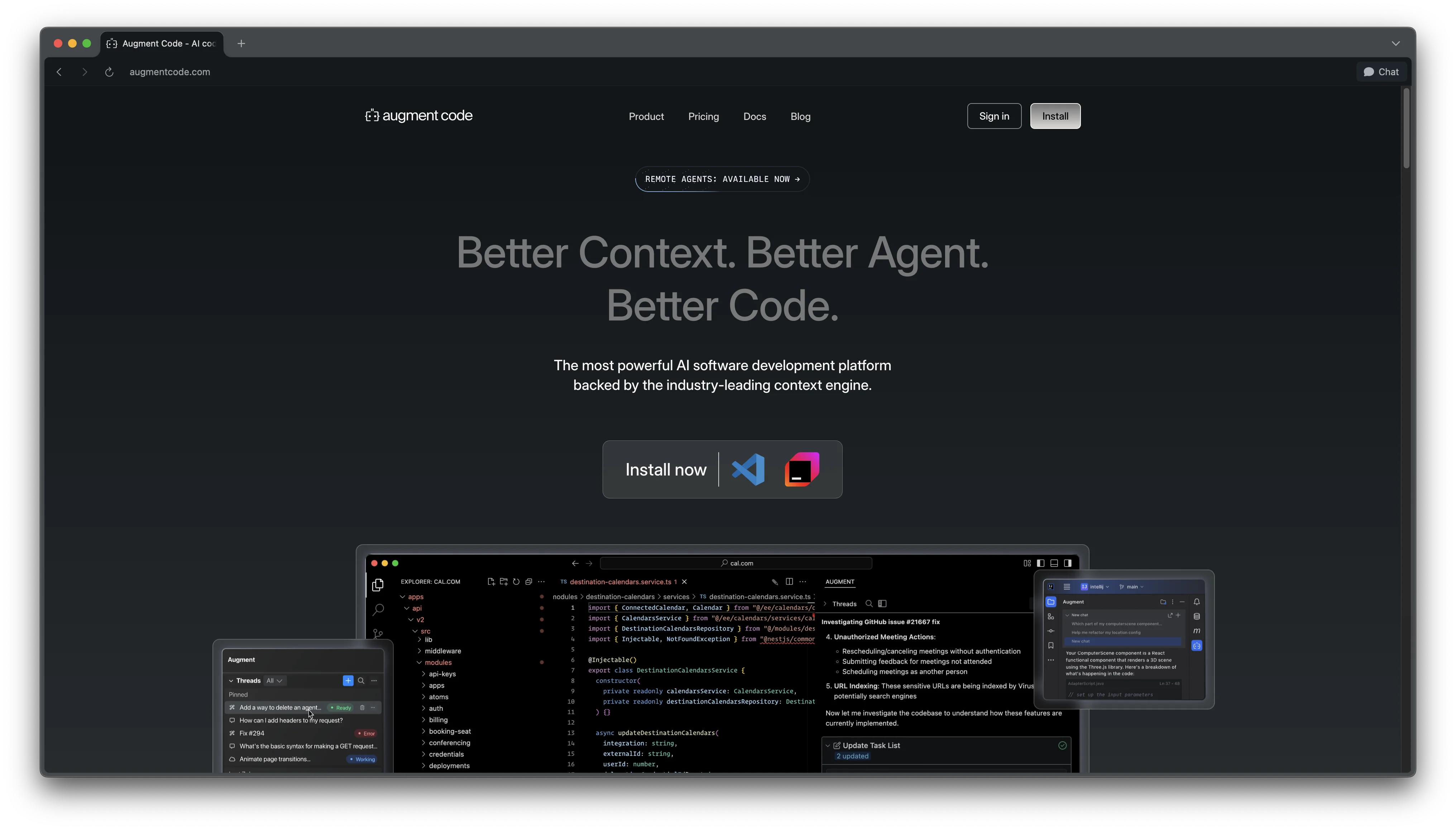
Augment Code is an advanced AI coding platform designed for professional software engineers.

CodeBuddy is a Tencent Cloud AI coding assistant supporting MCP protocol, offering code generation, intelligent reviews, and design-to-code conversion across 200+ languages and 15+ IDEs.

AI code review platform for pull requests, IDEs, and the CLI, built to catch bugs and keep fast-moving agentic teams from merging sloppy changes.
Alternative Tools to Consider

Spec-driven AI IDE and CLI from AWS that turns prompts into requirements, tasks, and production-oriented implementation workflows.

Agentic AI coding assistant that lives in your terminal, understands your entire codebase and automates routine tasks

Beautiful chat interface for Claude Code right inside VS Code, no terminal required

Open-source terminal dashboard for tracking Claude Code token usage, burn rate, and predicted session cutoffs.


Your AI pair programmer that suggests code and entire functions in real-time
Do one more comparison before you commit to Amazon Q Developer
Strong picks usually survive one more internal check. Read deeper, compare a neighbor, then leave for the vendor page if the fit still holds.